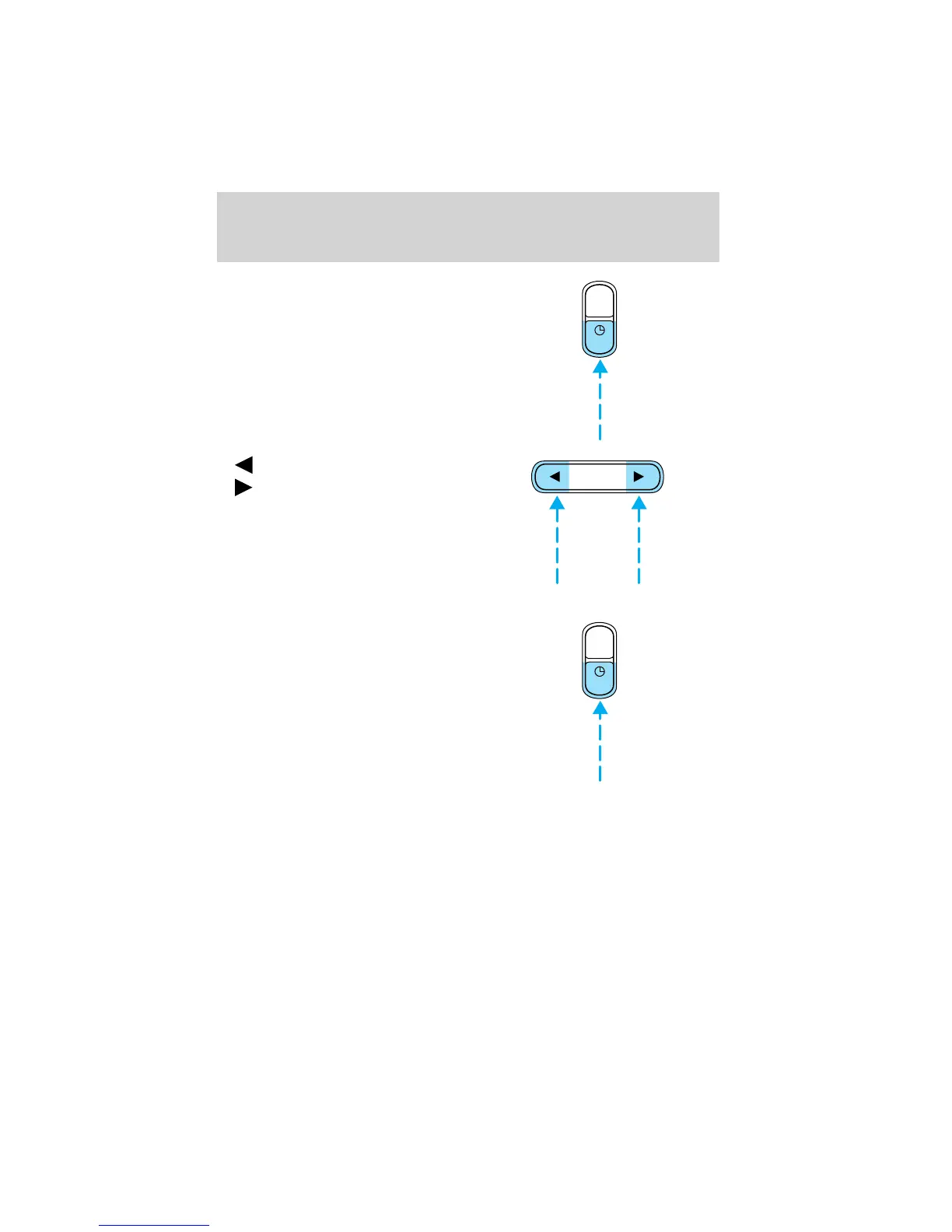
To set the minute, press the
clock/RDS control until SELECT
MIN is displayed and press:
•
to decrease minutes and
•
to increase minutes.
Radio Data System (RDS) feature
This feature allows your audio
system to receive text information
from RDS-equipped FM radio
stations.
Press and hold the control for three
seconds to turn the feature on or
off. Press the control to scroll
through the following selections:
AUTO
RDS
SEL
AUTO
RDS
Controls and features
70



 To Next Page
 Loading...