13
Chapter 2: Motherboard Installation
Install the Motherboard
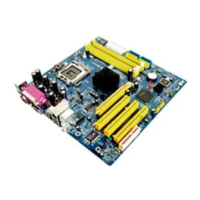
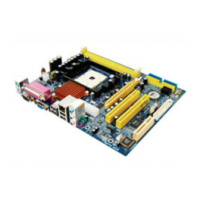
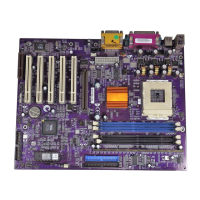
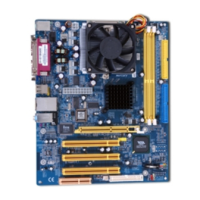
Install the motherboard in a system chassis (case). The board is a
FLEX ATX size motherboard. You can install this motherboard in
an ATX case. Make sure your case has an I/O cover plate
matching the ports on this motherboard.
Install the motherboard in a case. Follow the case manufacturer’s
instructions to use the hardware and internal mounting points on
the chassis.
1
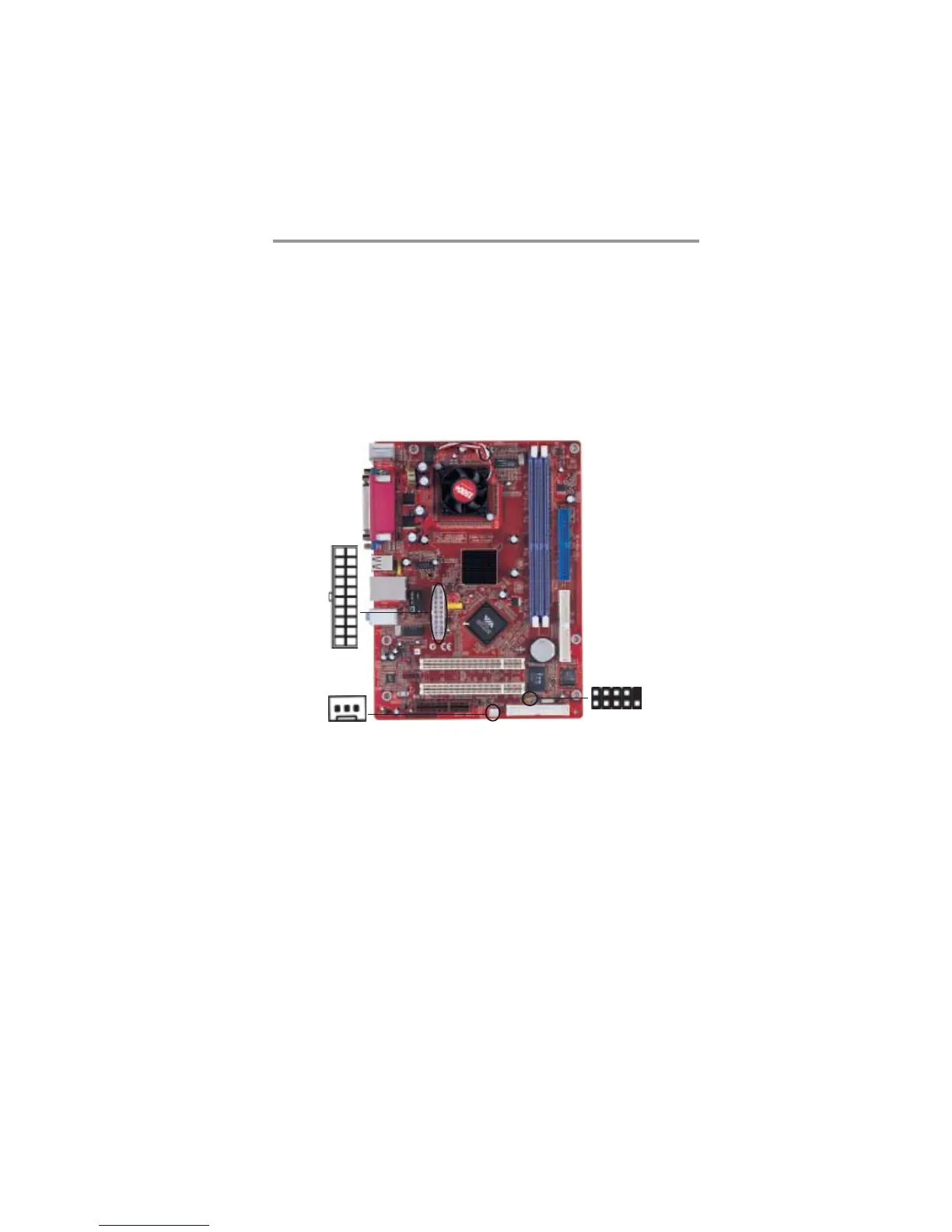
Connect the power connector from the power supply to the
ATX1 connector on the motherboard.
If there is a cooling fan installed in the system chassis, connect
the cable from the cooling fan to the SYSTEM_FAN1 fan
power connector on the motherboard.
Connect the case switches and indicator LEDs to the PANEL1
header.
ATX1
PANEL1
SYSTEM_FAN1
1


 To Next Page
 Loading...