19
Chapter 2: Motherboard Installation
When you first start up your system, the BIOS should automati-
cally detect your CD-ROM/DVD drive. If it doesn’t, enter the
Setup Utility and configure the CD-ROM/DVD drive that you
have installed. On the motherboard, locate the 4-pin header CD1.
Pin Signal
1 CD IN L
2 GND
3 GND
4 CD IN R
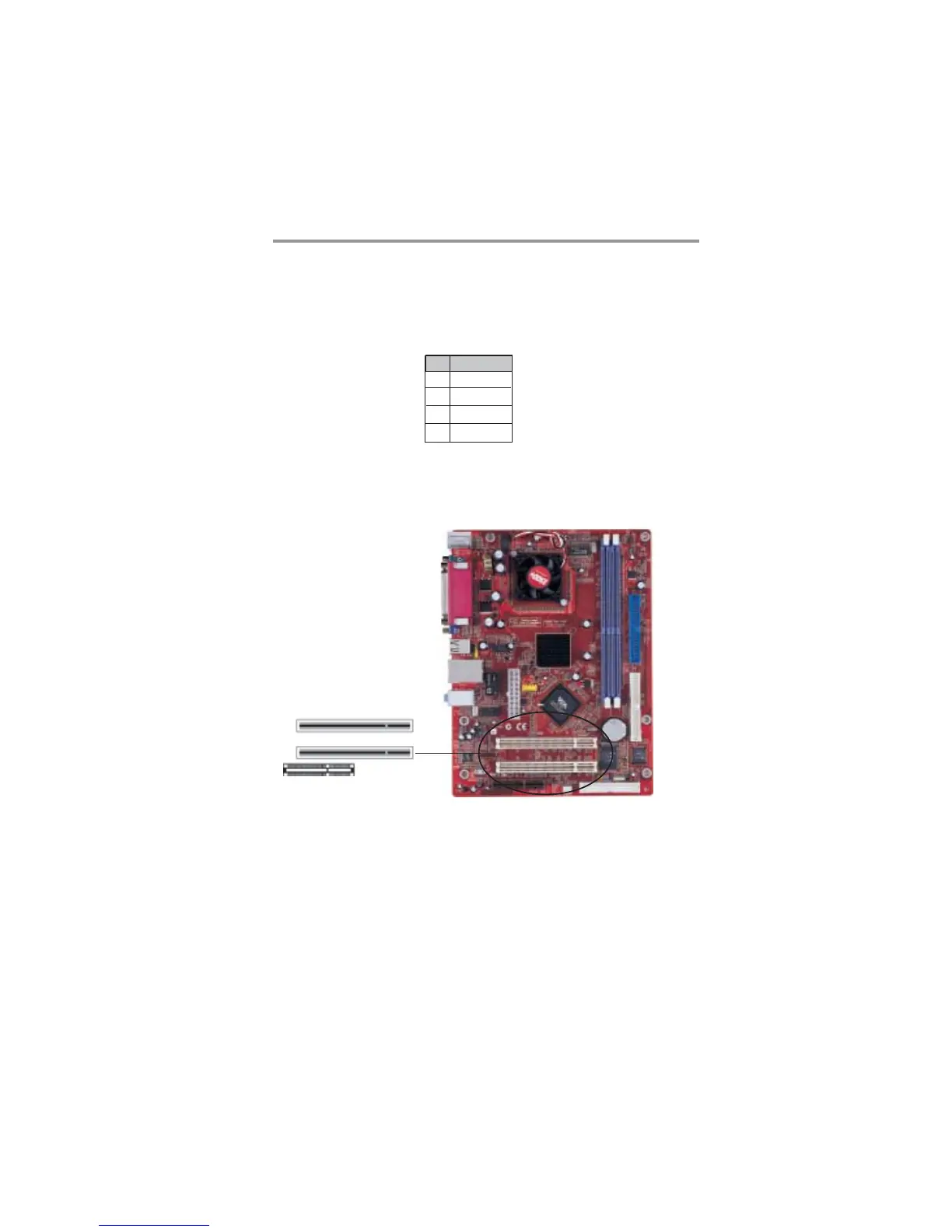
Follow the steps below to install a CNR/PCI expansion card.
1. Locate the CNR or PCI slots on the motherboard.
2. Remove the blanking plate of the slot from the system
chassis.
Expansion Slots
This motherboard has one CNR and two 32-bit PCI slots.
PCI1
PCI2
CNR1


 To Next Page
 Loading...