19
Chapter 4 More Features of the Extender
Note:
The default SSID (network name) is printed on the product label at the back of the extender.
4. Visit http://mwlogin.net, and log in with the password you set for the extender.
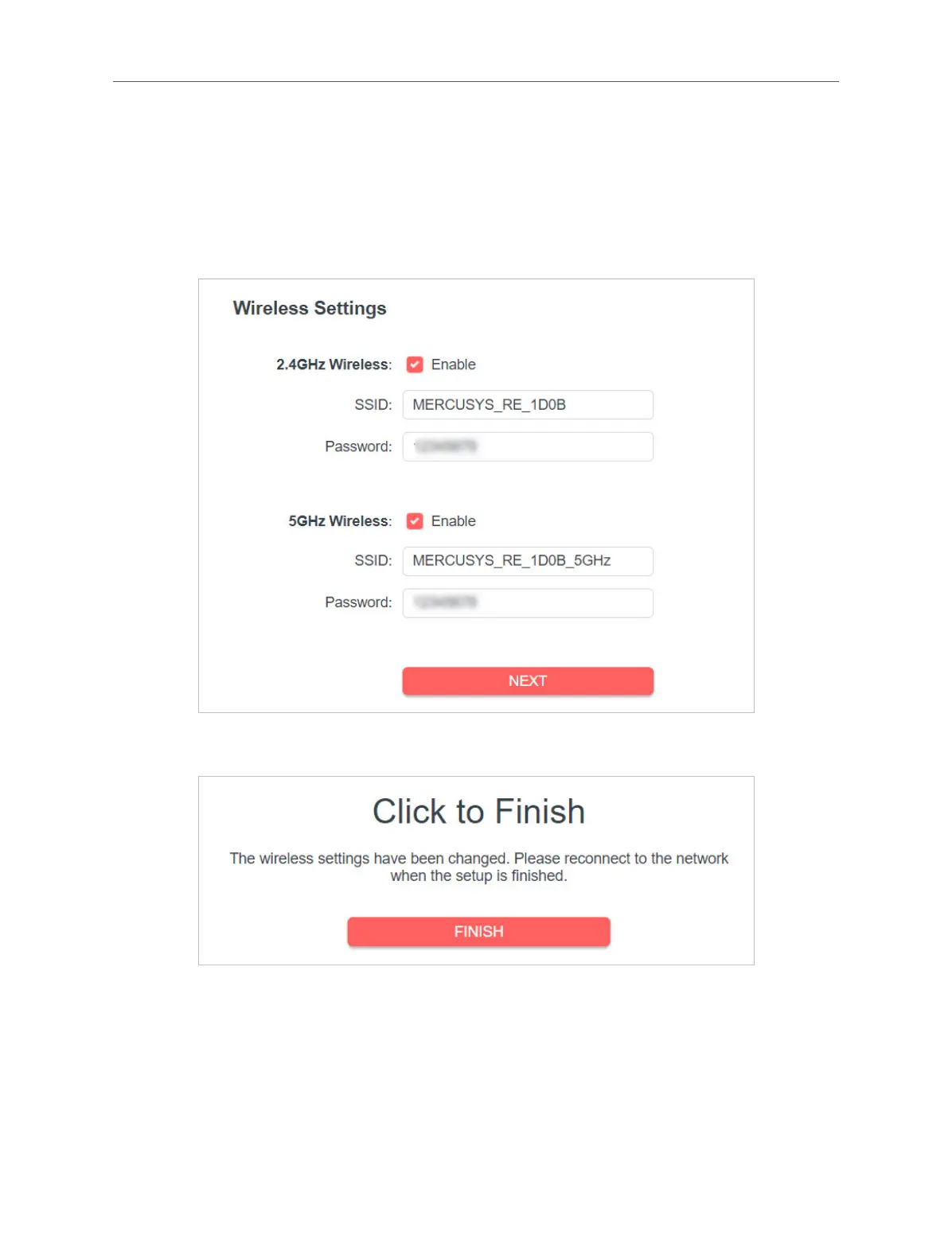
5. Go to Settings > Quick Setup to congure your extender.
1 ) Customize your wireless SSID and password and click NEXT.
2 ) Conrm the information and click FINISH.
6. Connect the extender to your modem or wired router via an Ethernet cable. Now
you can enjoy Wi-Fi.
4. 1. 2. To Connect Your Wireless Devices to the Extender via WPS
Wi-Fi Protected Setup (WPS) provides an easier way to set up a secure Wi-Fi
connection.



 To Next Page