Chapter 2 - Installation Guide
2
Chapter 2.
Installation Guide
2.1 Hardware Installation
Plug the Adapter directly to the USB port on your computer.
In Windows XP, a Found New Hardware Wizard window will appear when the adapter is detected.
Please click Cancel.
2.2 Software Installation
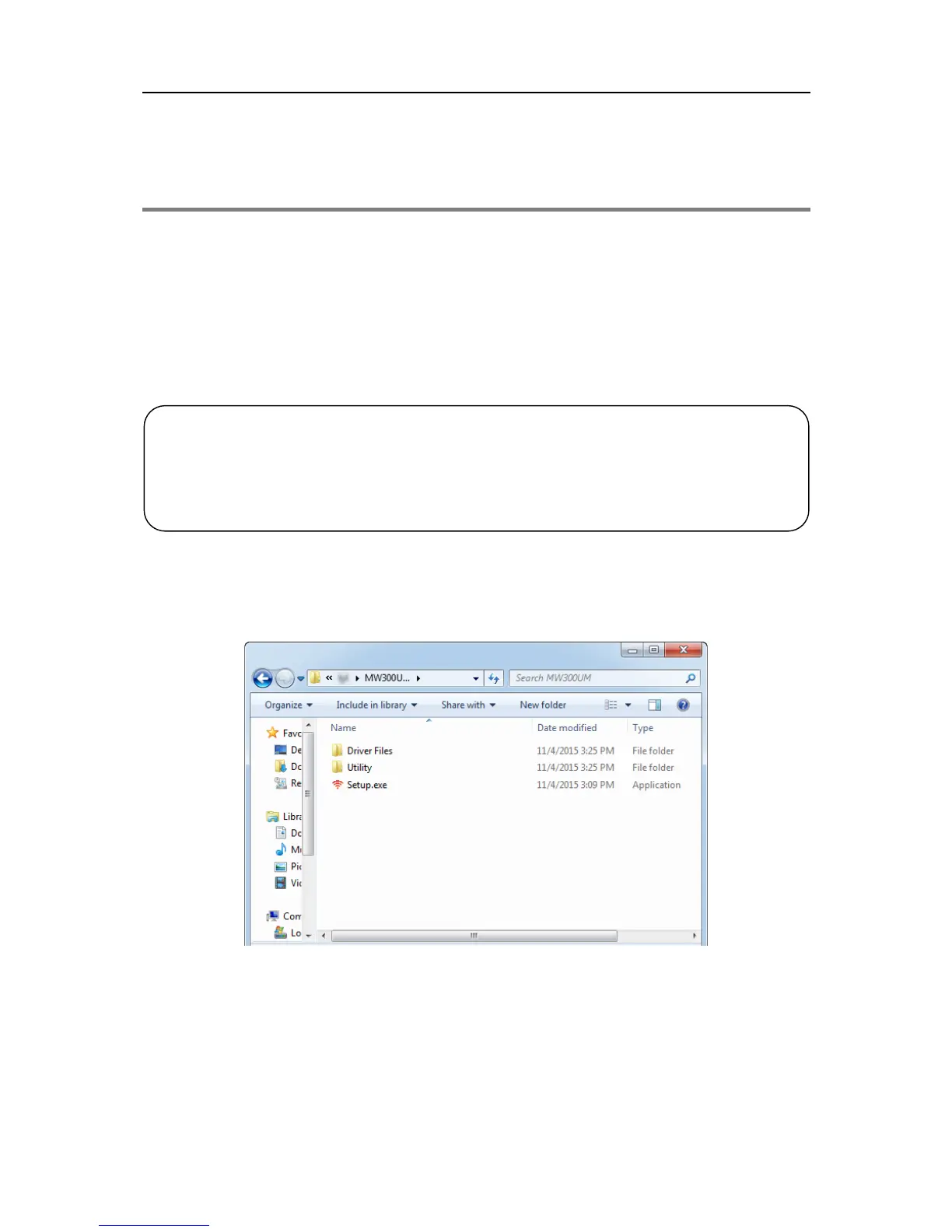
1. Insert the Resource CD into the CD-ROM drive. Open the CD from Computer, select the file
folder according to your model and operating system. Then double-click Setup.exe to start
the installation.
other versions of Windows.
2. For MW300UM, MERCUSYS Utility is not supported in Windows 10.



 To Next Page
 Loading...





