Setting up the surround
controller
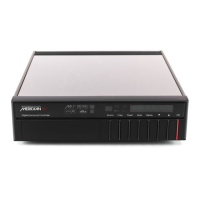
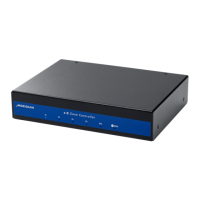
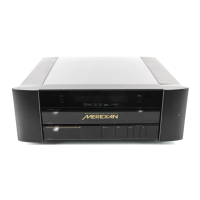
This chapter explains how to install the 541 Surround Controller. It
describes what you should find when you unpack the surround controller,
how you should connect it to your other audio and video equipment and
loudspeakers, and the siting constraints.
Before you begin installation you should ensure that your surround
controller is the correct voltage for you local AC supply. If it is not, do not
try to install the unit, and contact your dealer.
You should not make any connections to the surround controller, or to any
other component in your system, while the AC power supply is connected
and switched on.



 To Next Page