Calibrating the loudspeakers
43
To calibrate a loudspeaker
● Press Source (front panel), or > or < (remote) to select the
loudspeaker you want to calibrate.
The display shows the loudspeaker
you are adjusting:
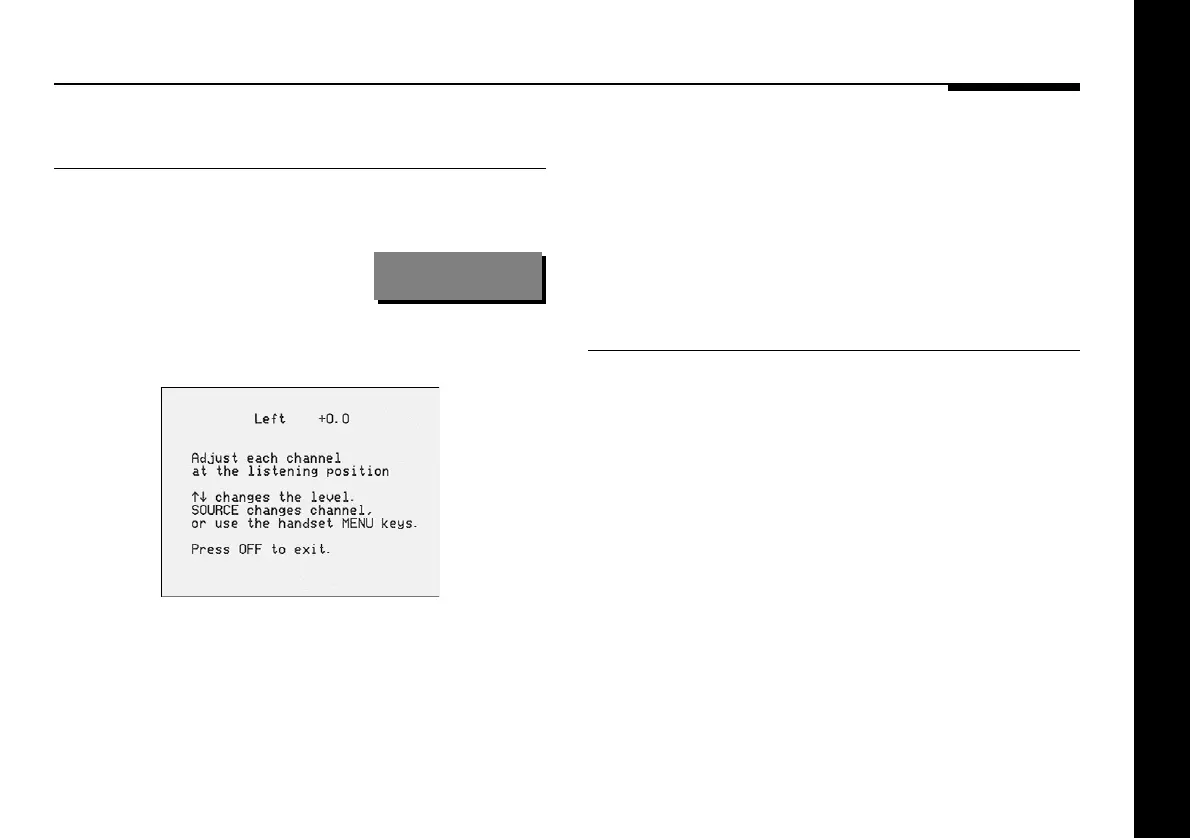
Left +0.0
The on-screen display shows:
● Use A and V to adjust the level of the speaker.
If you are using a Sound Pressure Level meter adjust each
speaker for the same reading at the listening position.
If you are calibrating by ear adjust each speaker until the sound
is uniformly loud as you switch from speaker to speaker,
ignoring any differences in timbre. Note that it is difficult to
adjust the subwoofer correctly by ear, because low frequency
sounds appear much quieter, and we recommend using a
Sound Pressure Level meter.
To end the calibration
● Press Off on the front panel or remote.
The 541 Surround Controller then returns automatically to
Standby.



 To Next Page