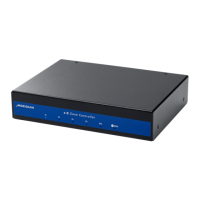
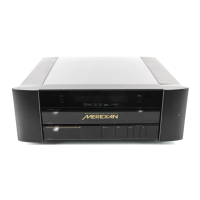
Setting up the digital surround controller
49
Setting up the digital
surround controller
This chapter explains how to install the digital surround controller. It
describes what you should find when you unpack the processor, how you
should connect it to your other audio equipment and speakers, and the
siting constraints.
Before you begin installation you should ensure that your digital surround
controller is the correct voltage for you local AC supply. If it is not, do not
try to install the unit, and contact your dealer.
You should not make any connections to the digital surround controller, or
to any other component in your system, while the AC power supply is
connected and switched on.


 To Next Page