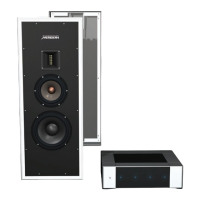
M6 User Guide
5
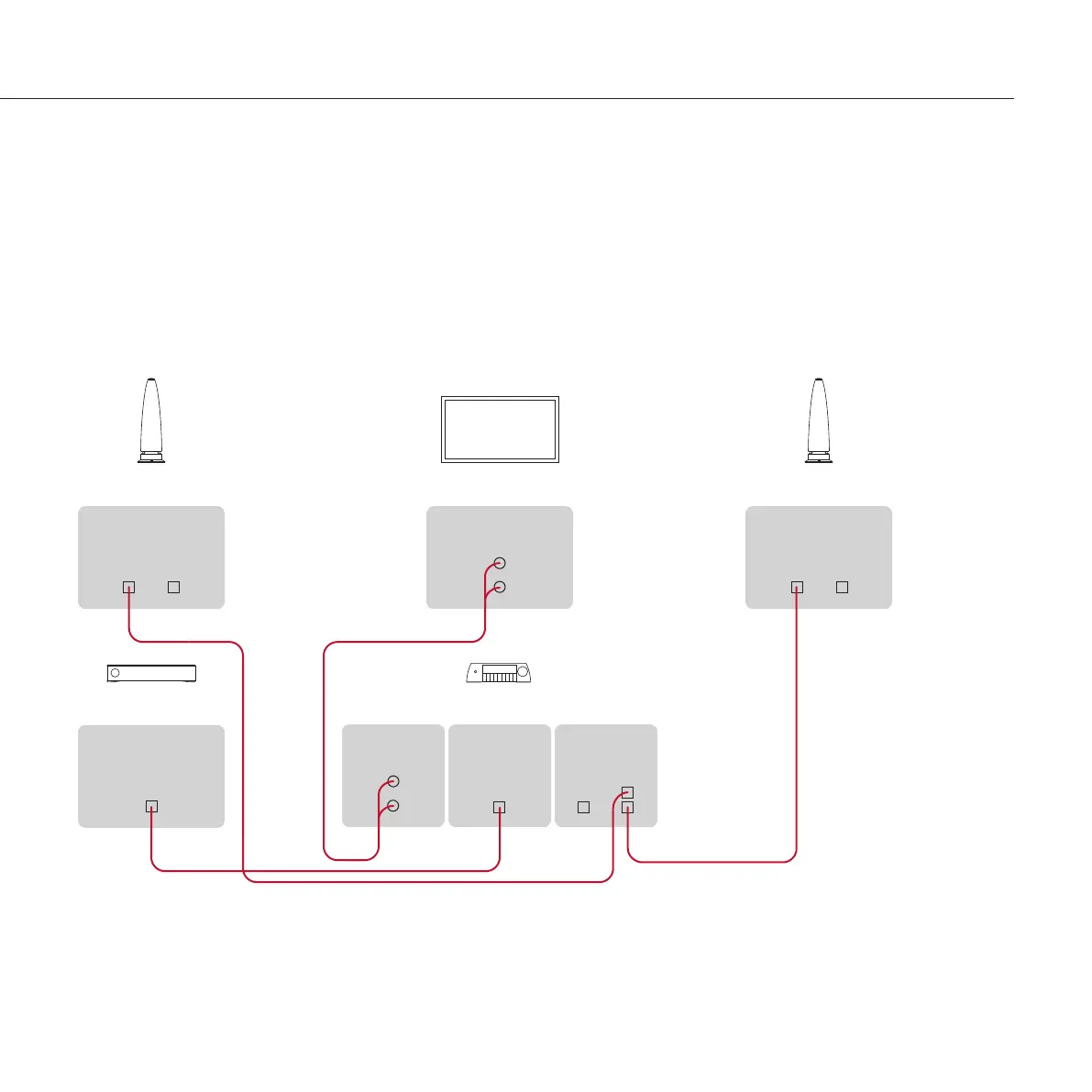
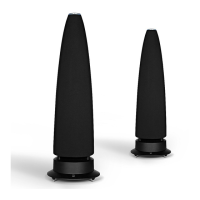
To connect a pair of M6 loudspeakers to a
Meridian Audio Core 200
The M6 loudspeakers are ideal for a compact Audio Core 200
based home entertainment system.
Connect analogue and digital sources, such as a TV and
satellite receiver, to the appropriate inputs on the AC200.
Connect the lower SpeakerLink output (labelled Master) on
the AC200 to one M6, using a Meridian SpeakerLink lead.
•
•
Connect the upper SpeakerLink output on the AC200
(labelled Slave) to the other M6, using a Meridian
SpeakerLink lead.
Make sure the Channel selector is set to the L/C position on
the base of the left loudspeaker and to the R position on the
base of the right loudspeaker.
•
•
Meridian Audio Core 200
TV
MERIDIAN
SPEAKERLINK
INPUT OUTPUT
M6
M6
MERIDIAN
SPEAKERLINK
INPUT OUTPUT
Satellite Receiver
DIGITAL
OUT
ANALOGUE
IN
DIGITAL
IN
ANALOGUE
OUT
SpeakerLink lead
SpeakerLink lead
SPEAKERLINK
IN OUT


 To Next Page