6
Playing discs
To see the disc options
press h followed by Disc.
Playing a disc
The product can play most types of disc,
including audio CDs, DVDs, and CD-ROMs
containing MP3/WMA files.
To insert a disc
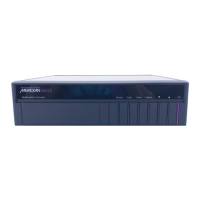
Insert the disc, label uppermost, into the drive,
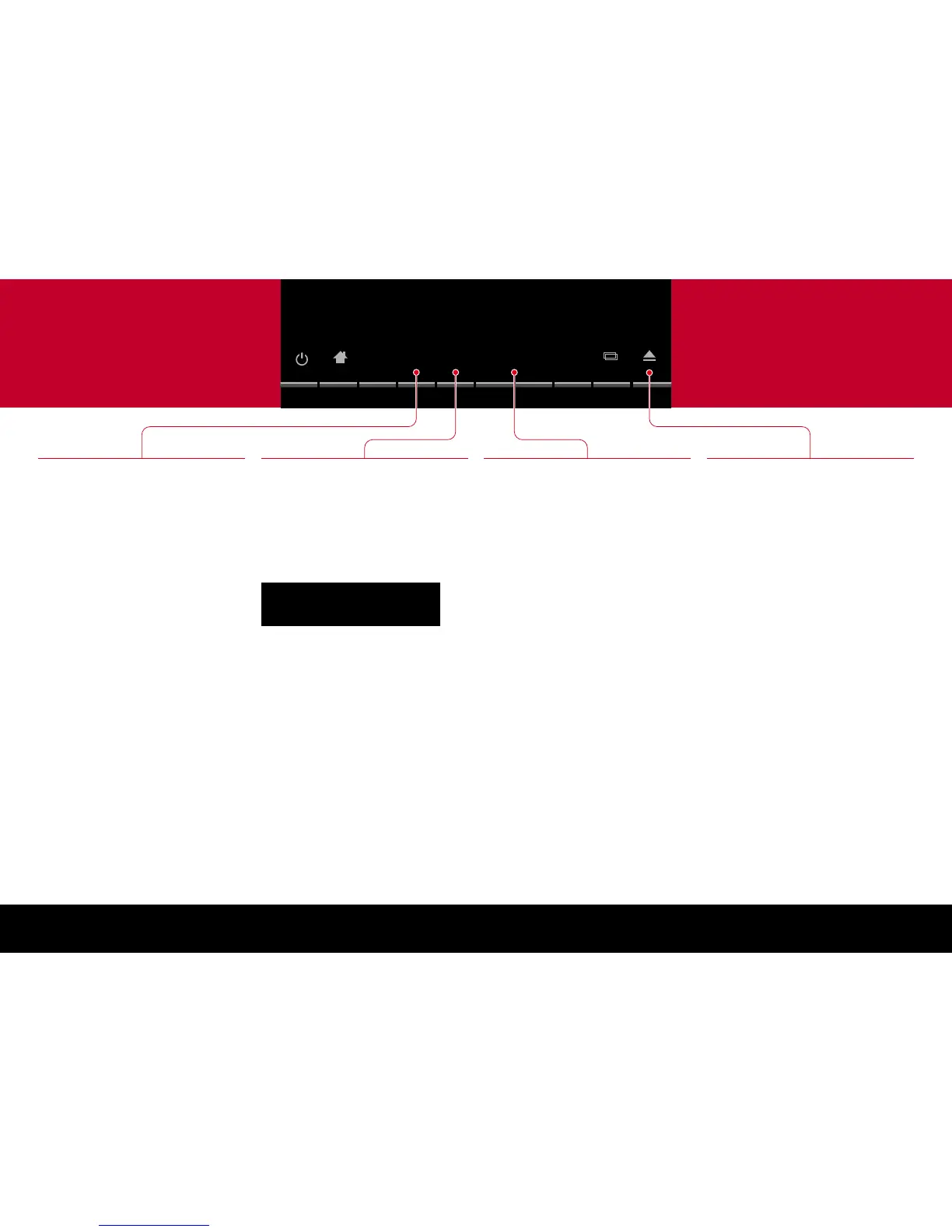
under the standby light.
The top left of the display shows the type of disc:
CD (audio CD), DVD, or MP3/WMA, followed by
the bit rate (44.1k or 48k).
To play the disc
Press ±.
Some discs start playing immediately when you
insert them.
As the disc is playing the display shows the track
number (CDs) or chapter number (DVDs), and
the elapsed time of the current track (CDs) or
whole disc (DVDs).
•
•
Pause and stop
When a disc is playing the ± label changes to
=.
To pause the disc
Press =.
The = label changes to ±.
To resume after pause
Press ±.
To stop the disc
Press *.
To resume after stop
Press ±.
The disc will resume playing from the position at
which you stopped.
To clear the resume memory
Press * twice.
•
•
•
•
•
Stepping between tracks
To step to the start of the next track
While the disc is playing:
Press ].
To step to the start of the current track
While the disc is playing:
Press [.
To select a track
While the disc is playing:
Press [ or ] until the display shows the
track number you want to play.
With DVDs these keys step between chapters.
•
•
•
Ejecting the disc
To eject the disc
Press the å key.
You can also eject a disc when another source,
such as Radio, is selected.
•


 To Next Page