A L F R E D D U N H I L L
E N G I N E E R E D B Y M E R I D I A N
8
Playing DVDs
To see the additional
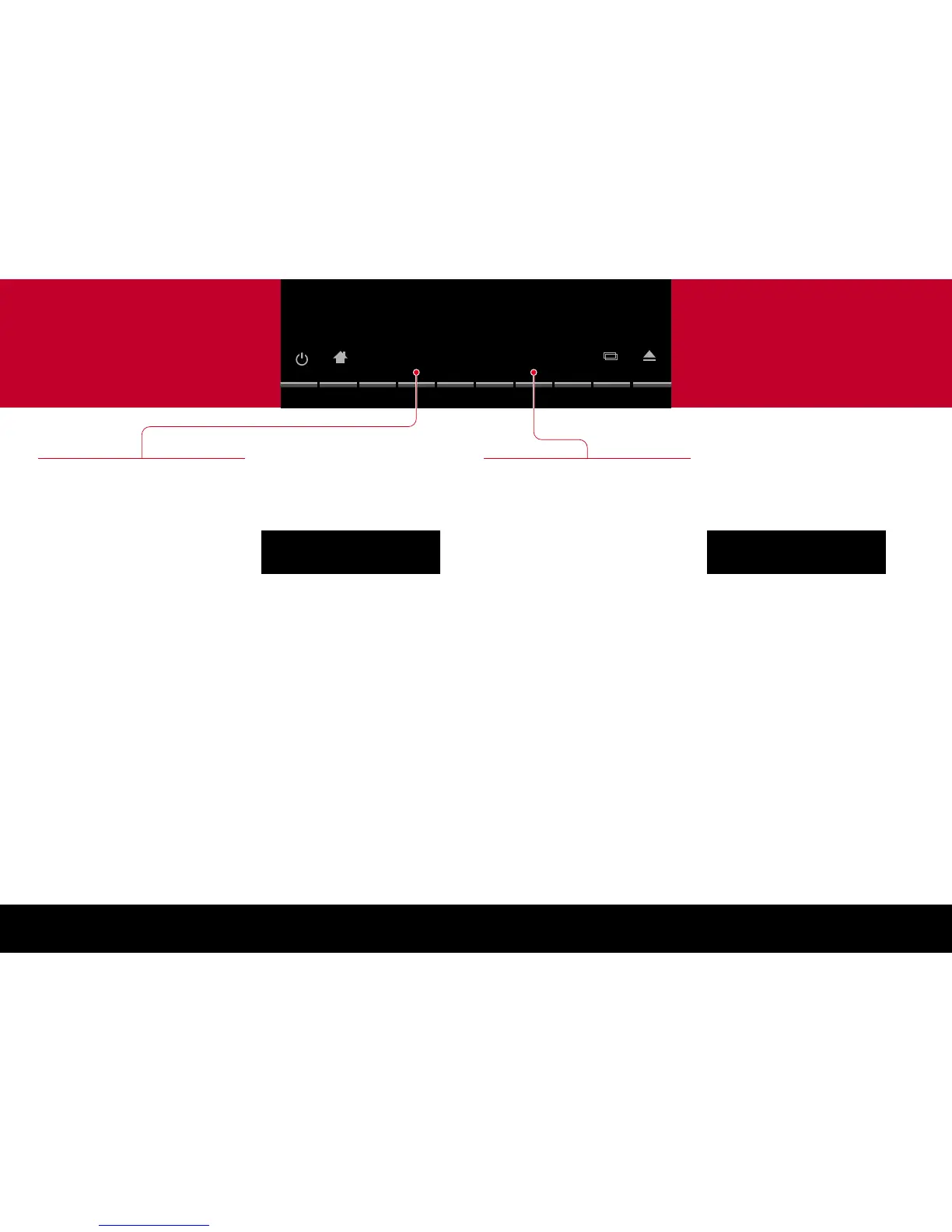
DVD functions press ..
Displaying DVD menus
DVDs generally provide a Top Menu, which
provides access to the contents of the disc.
Many DVDs also provide a disc menu, which
allows you to select additional sections or special
options.
To display the top menu
Press Top Menu.
To display the disc menu
Press Menu.
•
•
Navigating DVD menus
To navigate the DVD menus
Press ( to display the menu keys:
Press <, >, `, or ^ to navigate the menus.
To select a highlighted menu item
Press ) to display the Enter key.
Press Enter.
•
•
•
•
Selecting items on menus
To select a highlighted menu item
Press Enter.
To return from a menu
Press Return.
This will exit from the menu without selecting an
option.
•
•
Changing DVD options
Press ) to display the row of functions for
changing DVD options:
2 3:56
Angle
Subtitle
(
Audio
48k
DVD
To change the camera angle
Press Angle while viewing a scene with
multiple camera angles.
Each time you press Angle the next camera
angle is selected after a short delay.
To change the subtitles
Press Subtitle.
Each time you press Subtitle the next subtitle
language is selected.
To change the audio soundtrack
Press Audio.
Each time you press Audio the next available
soundtrack is selected.
•
•
•
•
2 3:51
Return
Top Menu
Menu
( )
Enter
48k
DVD


 To Next Page