3
4 Connect power
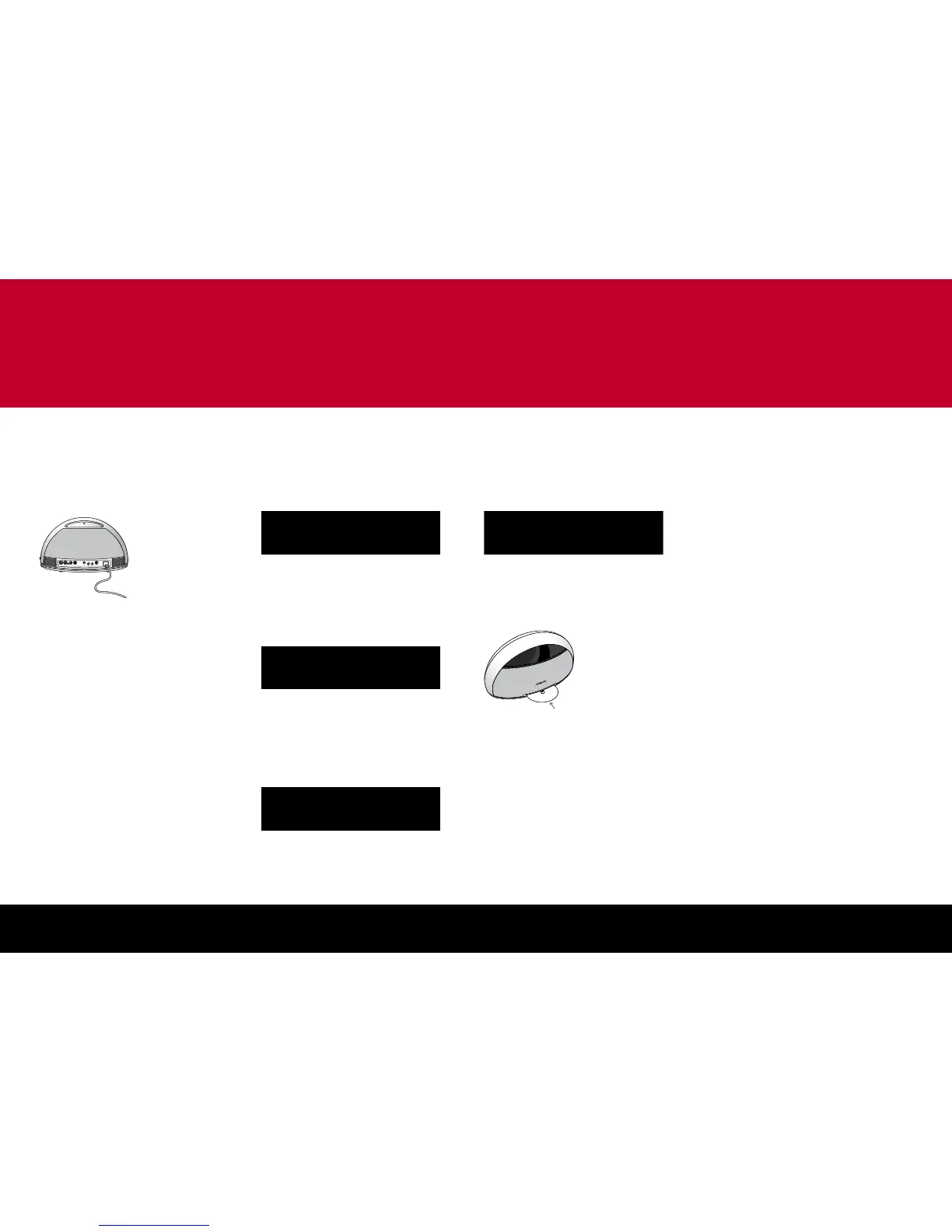
Plug one end of the power cord supplied with
the product into the power connector on the
back panel.
Connect the other end to a wall socket.
•
•
5 Listen to the radio
Press the Home key, marked h.
The Home menu will be displayed:
Press the key labelled Radio.
Press the key labelled Band to select the
waveband.
If you select the DAB band (where available) you
will be prompted to scan for stations:
No services
^Station
Please select Scan
Band
`
(
)
DAB
Press ( followed by Scan to scan for
stations.
The radio will then tune to the first station found.
Press ) followed by Station ` or ^ to
select a station:
BBC Radio 2
^Station
Selecting service
Band
`
(
)
|_
DAB
Adjust the volume by turning the knob to the
right of the product, or mute the sound by
pressing the knob.
•
•
•
•
•
•
6 Play a CD
Press the Home key, marked h.
The Home menu will be displayed:
Press the key labelled Disc.
Insert a CD in the slot, label uppermost, and
gently push it into the slot until it is drawn into
the drive:
The CD will start playing automatically.
Adjust the volume by turning the knob to the
right of the product, or mute the sound by
pressing the knob.
•
•
•
•
What next?
For more information about playing audio CDs
and DVDs see
Playing discs
, page 7.
For more information about using the Radio see
Listening to the radio
, page 9.
For more information about playing music from
your iPod see
Playing your iPod
, page 12.
For information about setting up your product the
way you want it see
Adjusting the product
,
page 14.


 To Next Page