Warning: To reduce the risk of fire or electric shock, care shall
be taken so that objects do not fall and liquids are not spilled
into the enclosure through the openings.
Unplug the device during lightning storms or when unused for
long periods of time.
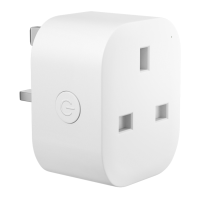
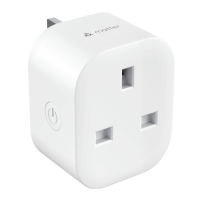
LED and Button Rules
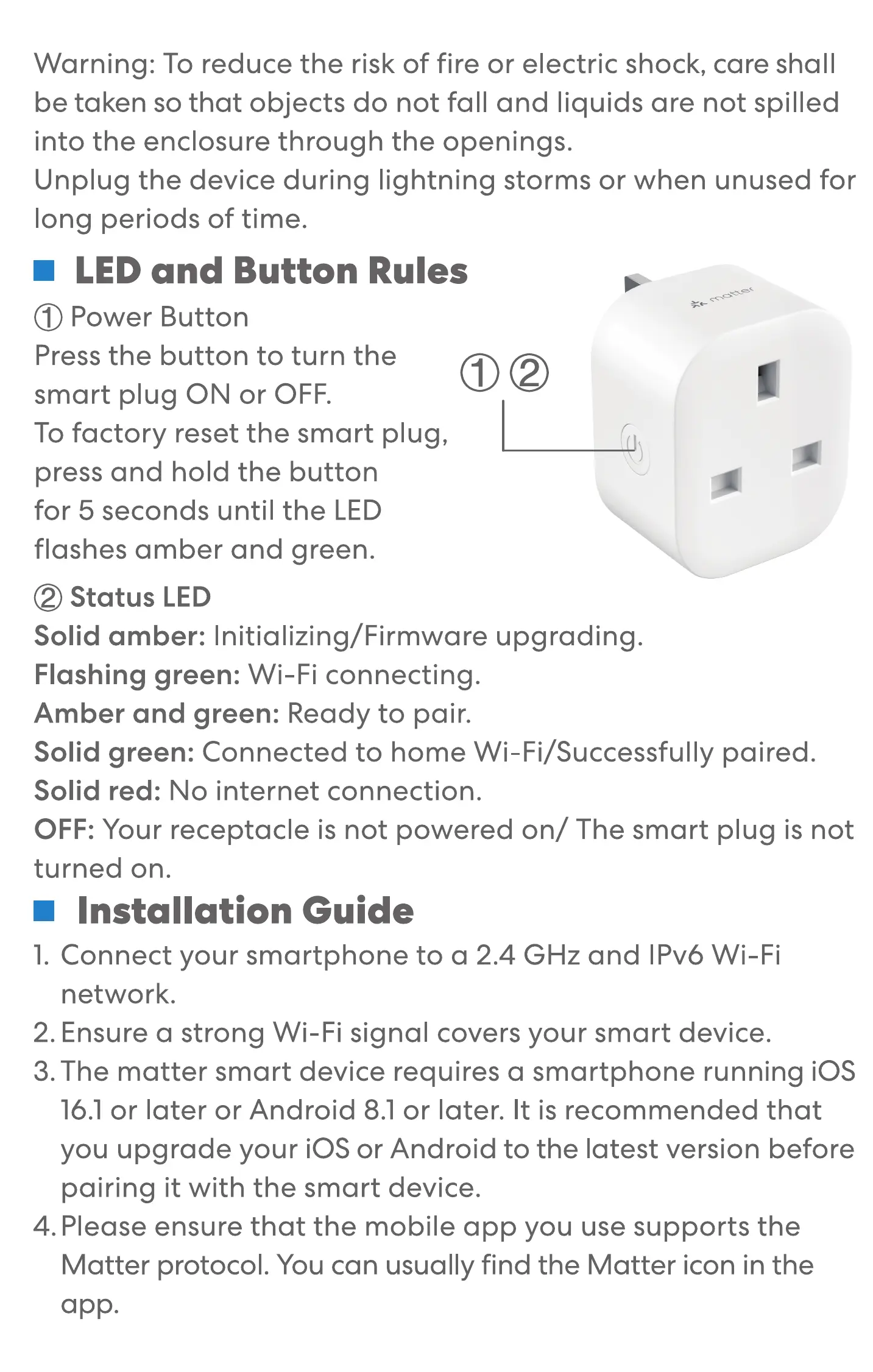
O Power Button
Press the button to turn the
smart plug ON or OFF.
To factory reset the smart plug,
press and hold the button
for 5 seconds until the LED
flashes amber and green.
@ Status LED
Solid amber: Initializing/ Firmware upgrading.
Flashing green: Wi-Fi connecting.
Amber and green: Ready to pair.
$1
Solid green: Connected to home Wi-Fi/Successfully paired.
Solid red: No internet connection.
OFF: Your receptacle is not powered on/ The smart plug is not
turned on.
Installation Guide
1. Connect your smartphone to a 2.4 GHz and IPv6 Wi-Fi
network.
2. Ensure a strong Wi-Fi signal covers your smart device.
3. The matter smart device requires a smartphone running iOS
16.1 or later or Android 8.1 or later. It is recommended that
you upgrade your iOS or Android to the latest version before
pairing it with the smart device.
4. Please ensure that the mobile app you use supports the
Matter protocol. You can usually find the Matter icon in the
app.


 To Next Page