5. Download the Meross app.
6. Launch the Meross app and log in to your account, or if you
are a new user, tap Sign up to create a new account.
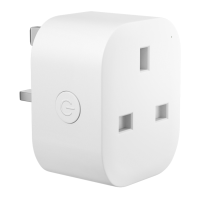
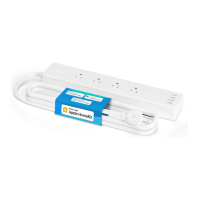
7. Tap the "+" icon, choose "Scan to pair", or select the type of
smart device you want to add. Then you can follow the
setup wizard to finish the configuration.
8. Relocation of the smart device does not require additional
operations provided that it remains on the same network
with a strong Wi-Fi signal.
NOTE:
1. The Matter device requires Bluetooth to set up. Please
make sure the Meross app is granted to access the required
system permissions, and the Bluetooth of your smart phone
has been enabled.
2. If this is not the first time you've added this smart device,
you'll have to reset it before going any further.
3. Find more at https://www.meross.com/support.
16:58 ...1 4G 9:41
Home
Setup Tips &
Issue Solutions
You don't have any devices setup yet.
Tap the "+1' on the top right to add a new device.
Select a Device
Q
Search with product name or model.
Tap to scan the QR code
Searching for devices nearby
No device found?
Please select a device you would like to install.
Smart Lamp
Smart Garage Door Opener
Smart Plug
Smart Outdoor Plug
Smart Surge Protector
Smart Switch
Smart Bulb
More
I didn't find my device.
Download on the
App Store
GET IT ON
Google Play
amazon
Available at
amazon
Smart Forum Hot Deals
o
user


 To Next Page