Meross 9:41 AM 100% 9:41 AM 100%
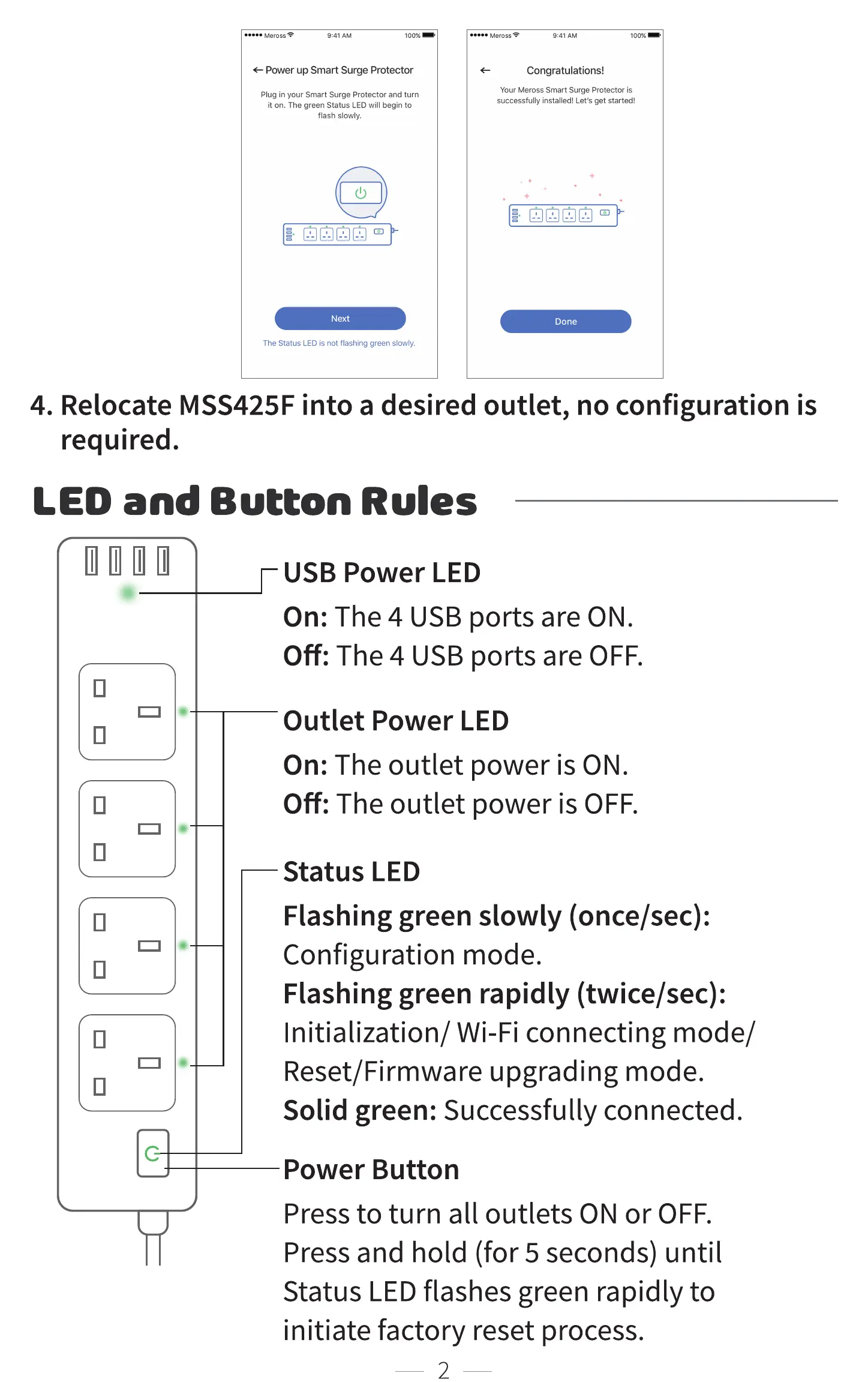
Power up Smart Surge Protector
Plug in your Smart Surge Protector and turn
it on. The green Status LED will begin to
flash slowly.
Next
The Status LED is not flashing green slowly.
Congratulations!
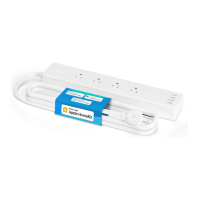
Your Meross Smart Surge Protector is
successfully installed! Let's get started!
Done
4. Relocate MSS425F into a desired outlet, no configuration is
required.
LED and Button Rules
c
USB Power LED
On: The 4 USB ports are ON.
Off: The 4 USB ports are OFF.
Outlet Power LED
On: The outlet power is ON.
Off: The outlet power is OFF.
Status LED
Flashing green slowly (once/sec):
Configuration mode.
Flashing green rapidly (twice/sec):
Initialization/ Wi-Fi connecting mode/
Reset/Firmware upgrading mode.
Solid green: Successfully connected.
Power Button
Press to turn all outlets ON or OFF.
Press and hold (for 5 seconds) until
Status LEDflashes green rapidly to
initiate factory reset process.


 To Next Page