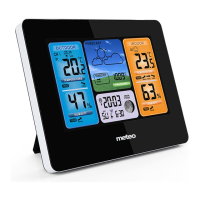
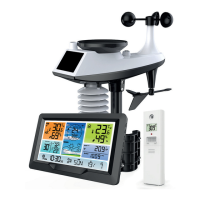
25
meteo – SP89 Manual
You may see the following displays:
: The barometric pressure will rise.
: The barometric pressure will remain constant.
: The barometric pressure will fall.
Background lighting
If the product is powered by batteries, Touch the “ ” location button. Backlight lit 15 seconds.
When the power supply of the product is inserted into the power supply adapter, the battery will automatically disconnect
the power supply, and the backlight will always be bright. Press the button to adjust the brightness of the backlight,
you can adjust the 4 state: 3 different brightness backlight and close the backlight.
When the backlight brightness is not
at the maximum brightness, press the “ ” button. Backlight turns to maximum brightness of 10 seconds.
Note: During the reception of the time radio wave signal, the backlight will be automatically closed to prevent the
interference of the radio wave.
Low battery:
If the “Indoor sensor” column is display the battery icon “ ”, you need to replace the weather stations battery as soon
as possible,
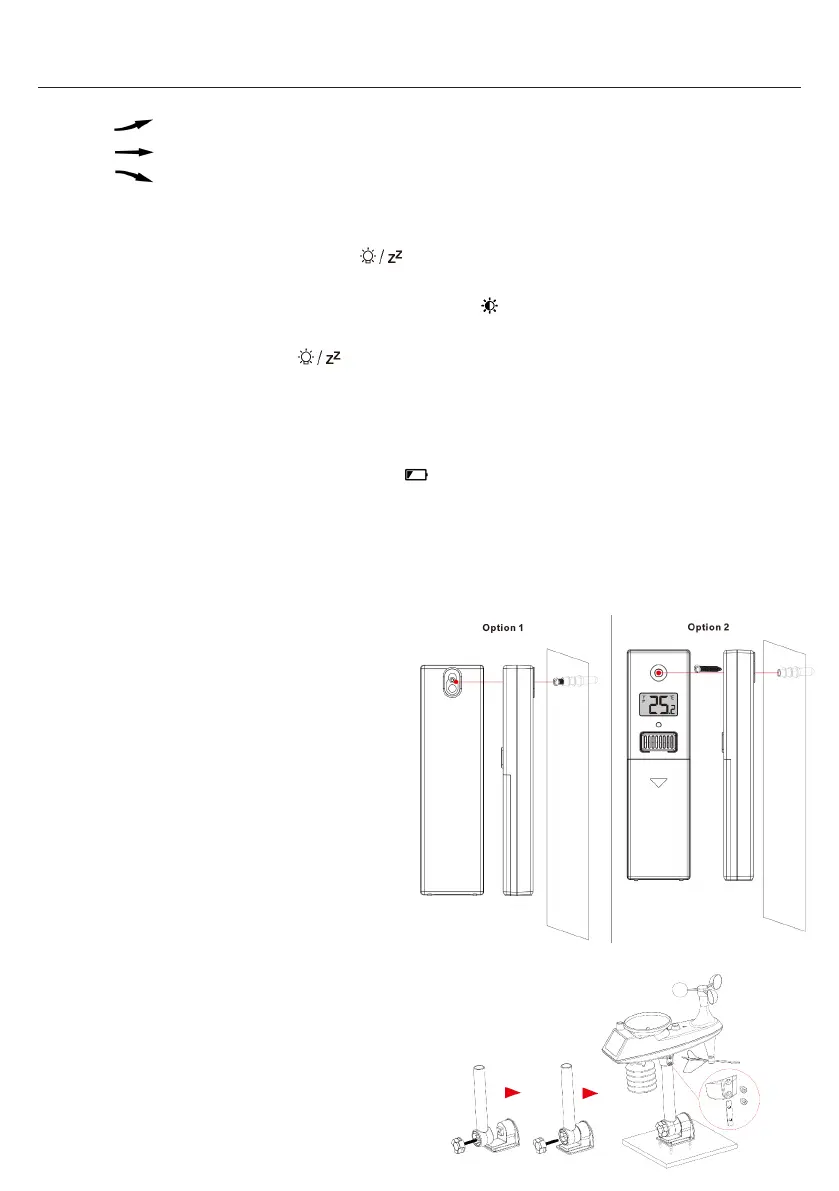
Mounting Instructions (wireless sensor)
Temperature | Humidity Wireless Remote Sensor
Option 1:
Mount the mounting screws to the wall.
Hang the wireless sensor on the screw.
Option 2:
Insert the mounting screws through the front of the
wireless sensor into the wall.
Tighten the screws to fit snugly (do not overtighten).
If the wireless sensor is placed outdoors, install the
temperature | humidity wireless sensor on a north
facing wall or any shadow. The sun will make it even
higher.
The guardrail under the eaves or under the deck is
preferred.
Make sure the wireless sensor is installed vertically to
vent moisture.
Multi-combination Wireless Remote Sensor
Mount in an open area clear for 15 meters (50 feet) in
all directions.
The sensor needs to be mounted on a sturdy platform
or bracket that is mounted 1.5 m (5 ft) above the
ground.
meteo – SP89 Manual
The flashing alert icon will indicate if is a LOW or High alert.
Press any button to stop the alert sound.
The alert icon will flash while value is in alert range.
Note: If you want to permanently cancel the alert, enter the weather view mode, switch to the item you want to cancel,
press and release the “ ” button to set to OFF
Weather forecast:
The weather station calculates a weather forecast for about the next 12 hours based on the barometric pressure trend.
Of course this forecast can‘t compare to that of professional weather services supported by satellites and high
performance computers, It provides only an approximate indication of the current weather development in a small local
area. Please take the weather forecast from your local weather forecasting service into account as well as the forecast
from your weather station. If there are discrepancies between the information from your device and from the local
weather forecasting service, please take the advice of the latter as authoritative.
The weather station displays the following weather icon:
Note: The Snowy icon will only appear if the outdoor temperature (refers to the temperature detected by multiple
combined sensors) is below -4°C (+25°F) and the forecast would be rainy or Thunder Rainy.
The Gale icon will only appear if the wind speed is above 50KM/H and the forecast would be Sunny or
Mostly
Cloudy or Cloudy.
The storm icon will only appear if the wind speed is above 50KM/H and the forecast would be rainy or thunder
rain.
The Snowstorm icon will only appear if the outdoor temperature (refers to the temperature detected by multiple
combined sensors) is below -4°C (+25°F) and the wind speed is above 50 KM / H and the forecast would be
rainy or Thunder Rainy.
After the weather station needs 7-10 days of air pressure calibration, the weather forecast will tend to be stable with an
accuracy rate of 70%-75%.
The weather station can display the barometric pressure trend.


 To Next Page
 Loading...