6
Electric Field EF-Detection, VolTect
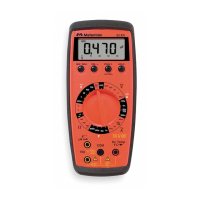
With Auto displayed on the LCD, press the SELECT button momentarily 2
times to select the EF-Detection feature. The meter displays EF when it is
ready. Signal strength is indicated as a series of bargraph segments on the
display and variable beep tones. See the VolTect specifications later in this
manual for a complete description of the bar graph indicators.
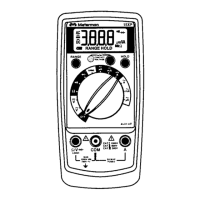
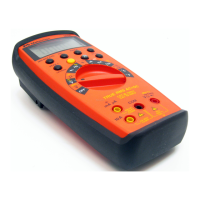
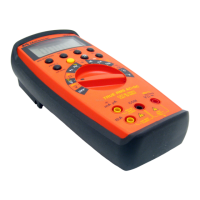
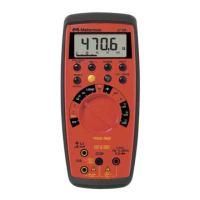
• An antenna is located at the top left corner of the meter, which detects
electric field surrounding current-carrying conductors. It is ideal for
tracing live wiring connections, locating wiring breakage and to
distinguish between live or earth connections.
• For more precise indication of live wires, such as distinguishing
between live and ground sockets, use or V ac manual function selection
for direct contact voltage measurements.



 To Next Page