95-3003G
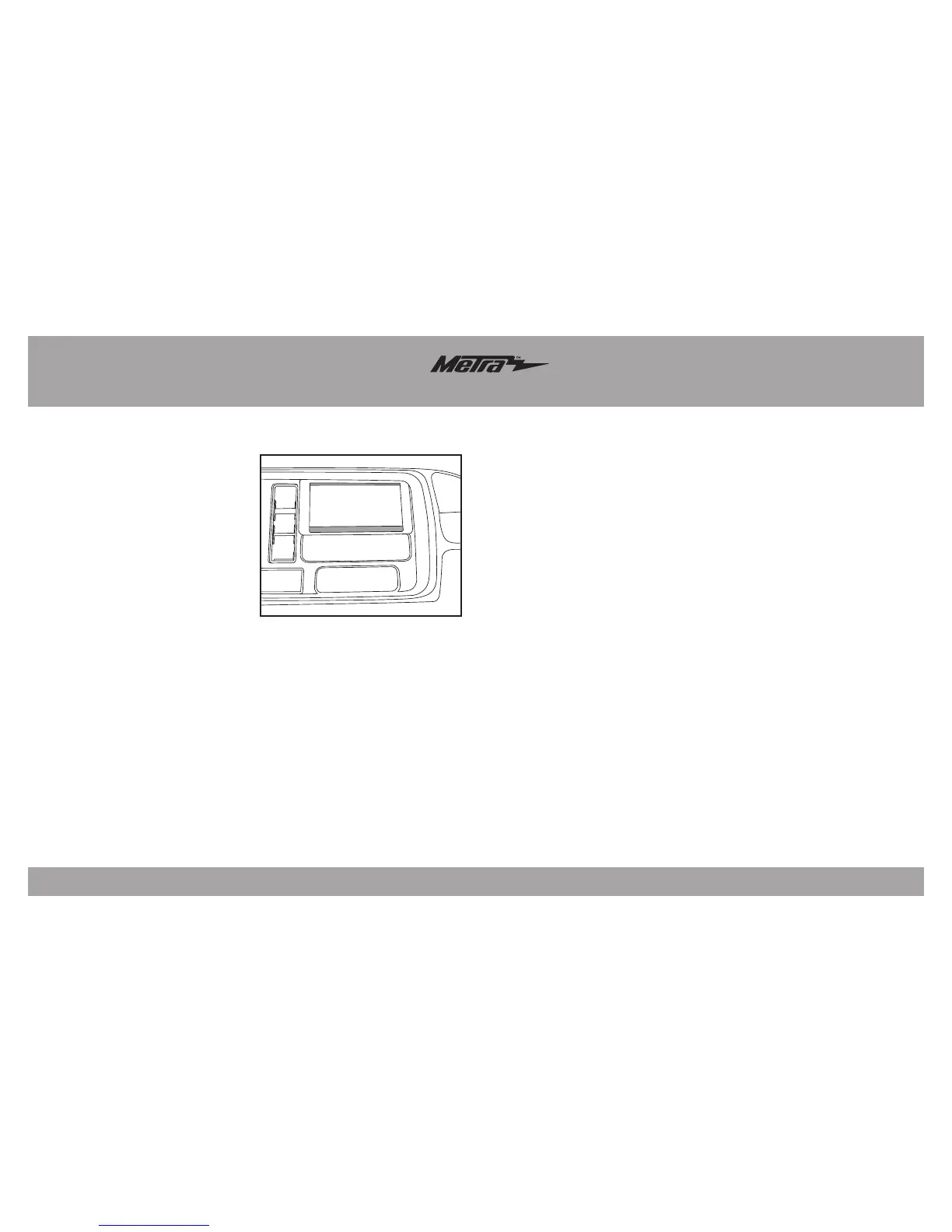
(Figure A)
Kit AssemblyKit Preparation
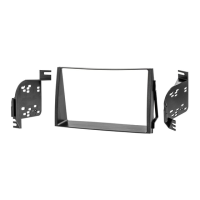
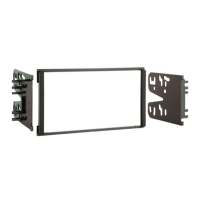
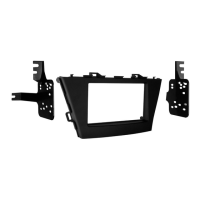
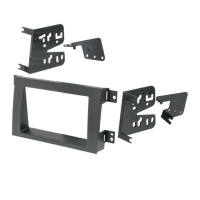
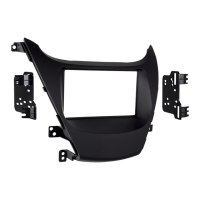
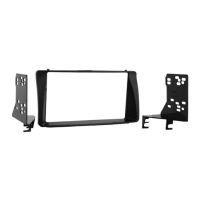
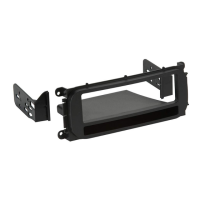
ISO DDIN radio provision
1. Attach the radio brackets to the
radio using the screws supplied
with the radio.
2. Locate the factory wiring harness
and antenna connector in the
dash, and complete all necessary
connections to the radio. Metra
recommends using the proper
mating adapter from Metra and/or
AXXESS.
3. After all connections are made,
slide the radio into the dash until
the brackets click in.
4. Snap the ISO DDIN trim plate onto
the factory dash panel.
5. Reassemble the dash in reverse
order of disassembly.
1. Snap the ISO DDIN trim plate onto
the dash panel and mark the inside
area to be cut with a pencil.
(Figure A)
2. Remove the ISO DDIN trim plate,
then cut the areas marked out in
the previous step.
3. Cut and remove the radio rear
support from the dash cavity.
Continue to kit assembly
3



 To Next Page