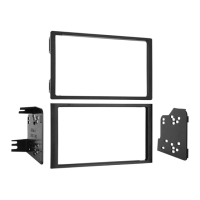
95-5820 KIT ASSEMBLY
4
DOUBLE DIN RADIO PROVISION OR
STACKED ISO MOUNT UNIT(S) PROVISION
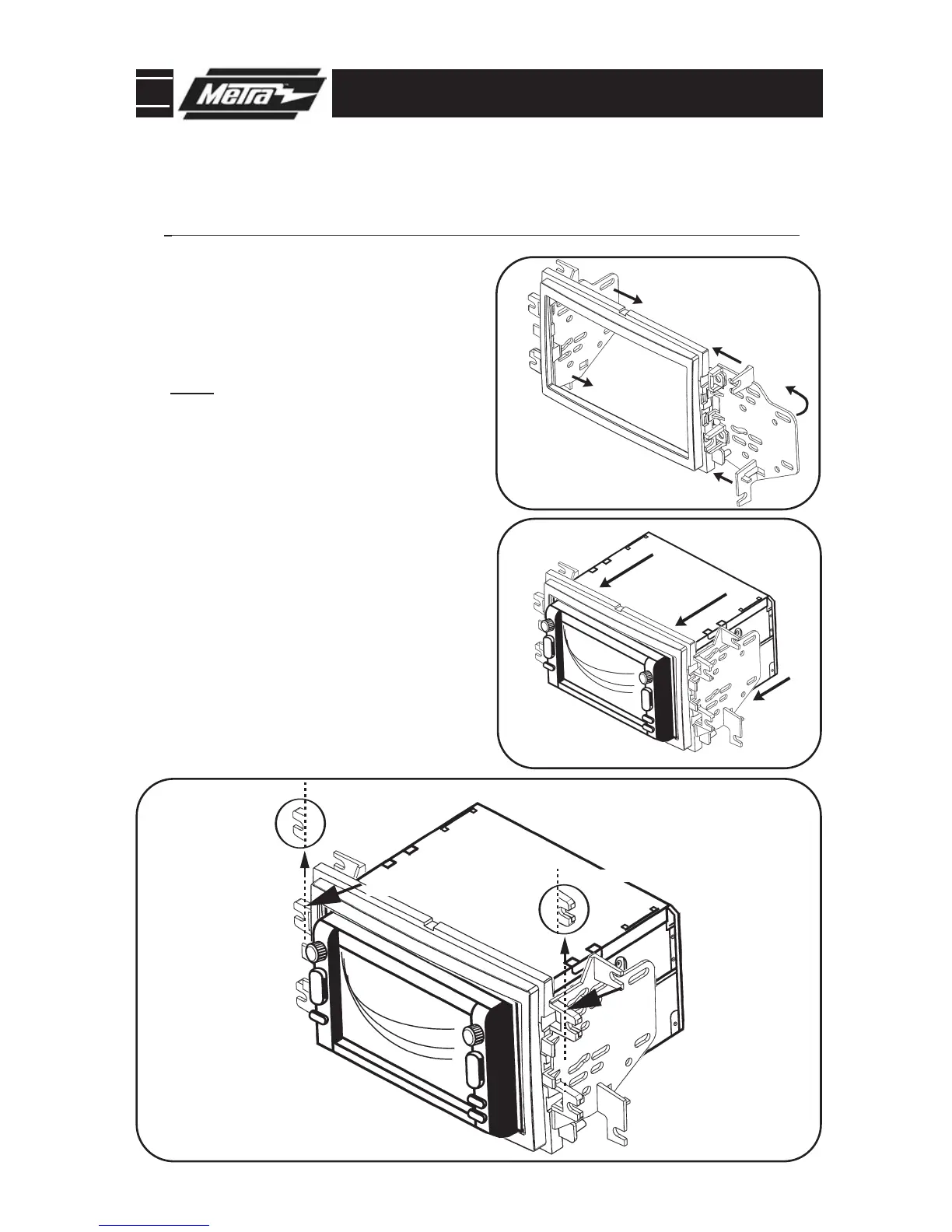
Slide the appropriate side bracket
over the mounting legs of the Double
DIN trim plate aligning the holes in
the trim plate and the bracket and
rotate inward.
Note: The notch in the housing
should be on top.
(Figure A)
1
Slide the Double DIN or stacked ISO
mount units into the bracket/radio
housing assembly and secure the
Double DIN or stacked ISO mount
units to the assembly using the
screws supplied with the Double DIN
or stacked ISO mount units.
(Figure B)
2
Cut and remove half of the top (2)
mounting legs with the brackets
attached.
(Figure C)
3
Continue to final assembly.
*
Note: Refer also to the instructions included with the aftermarket radio.



 To Next Page