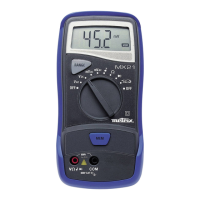
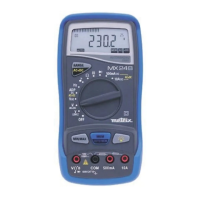
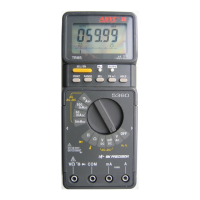
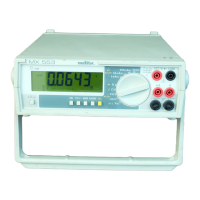
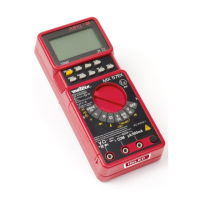
Portable 4000 count digital multimeter
19
2. DESCRIPTION
This compact multimeter is a self-contained unit with an appropriate
mechanical construction, enables hand-held use.
It is designed for a high degree of user safety, maximum protection
and unrivalled performance.
2.1 Display
• Liquid crystal display 3 ¾ digits (height of digits : 12 mm)
• Function indicator : V, A, Ω, Hz
• “ BAT” : battery discharged indicator
• “ AUTO ” : selects the AUTOranging mode.
• “
” : diode threshold voltage
• “ MIN ” : activates the MIN detection mode.
• “ MAX ” : activates the MAX detection mode.
• “ MEM ” : fixes the display on the current value.
• “ AC ” : the instrument measures an alternative current or value
• “ DC ” : the instrument measures a continuous current or value
• “
” : continuity mode
• “ OL. ” : range overload indication
• 40-segment bargraph : analog read-out of the parameters
2.2 Selector switch
A twelve-position rotary selector switch gives access to the following
quantities :
• AC voltage
• DC voltage
• Frequency
• Continuity (with beeper)
• Resistance
• Diode
• Alternative current
• Continuous curent
• OFF : off position
2.3 Keypad
“ RANGE ” key
:
• Selection of the automatic (default) or manual mode: short press
< 1 sec. on the key, brief beep.
• Switch from manual to autoranging mode : long press > 1 sec., long
beep.
• In manual mode, range selection : press successively < 1 sec. on
the key.
• This key is operative in V
AC, VDC, Ω, Hz ranges.



 To Next Page