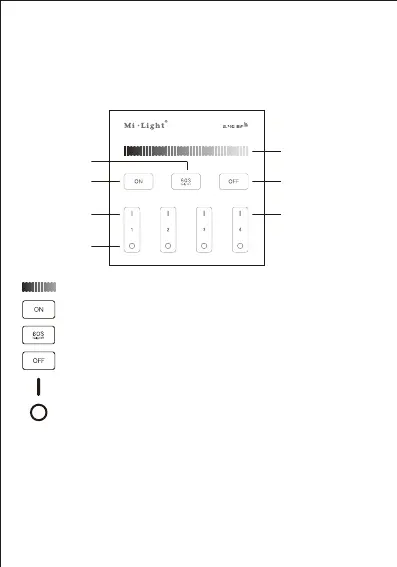
5. Function of keys
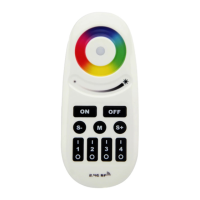
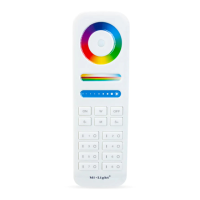
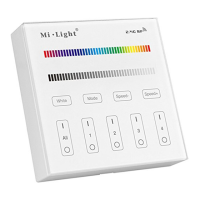
B1 & T1
Zone ON
Zone OFF
ALL OFF
4x(un) Link Light
Dimming Slider
60S Delay OFF
ALL ON
Link / Unlink
Remark: When touching the button, LED indicating lamp will
flash once with different sound(Touch slider with no sound).
Touch Master ON, Turn on all linked lights.
Long press 5 seconds to turn ON the indicating sound.
Touch Dimming Slider to change the brightness from 1~100%.
Touch Master OFF, Turn off all linked lights.
Long press 5 seconds to turn OFF the indicating sound.
Touch Zone ON, Turn on zone-linked lights.
Touch Zone OFF, Turn off zone-linked lights.
When the light is ON, press “60S Delay OFF”, the light will be OFF
Automatically after 60 seconds.
Unlink: First power off , then power on , within 3 seconds touch the linked Zone
‘ | ’
button or the Master
‘ | ’
button 5 times shortly , the unlink is done when you see
the light blinks 9 times, otherwise try again later.
Link: First power off, then power on, within 3 seconds touch any of the Zone
‘ | ’
button 3 times shortly, the link is done when you see the light blinks 3 times,
otherwise try again later.


 To Next Page