- 8 -
z The wind speed high alarm setting.
z The wind direction alarm setting.
z Reset the maximum wind speed value. When both the wind speed value and MAX icon are
flashing, hold the ENTER key for 3s, the maximum value will be reset to current reading.
Note: Press the ON/OFF key to on/off the alarm. If alarm is enabled, an alarm symbol
appears in the display indicating the alarm function has been enabled
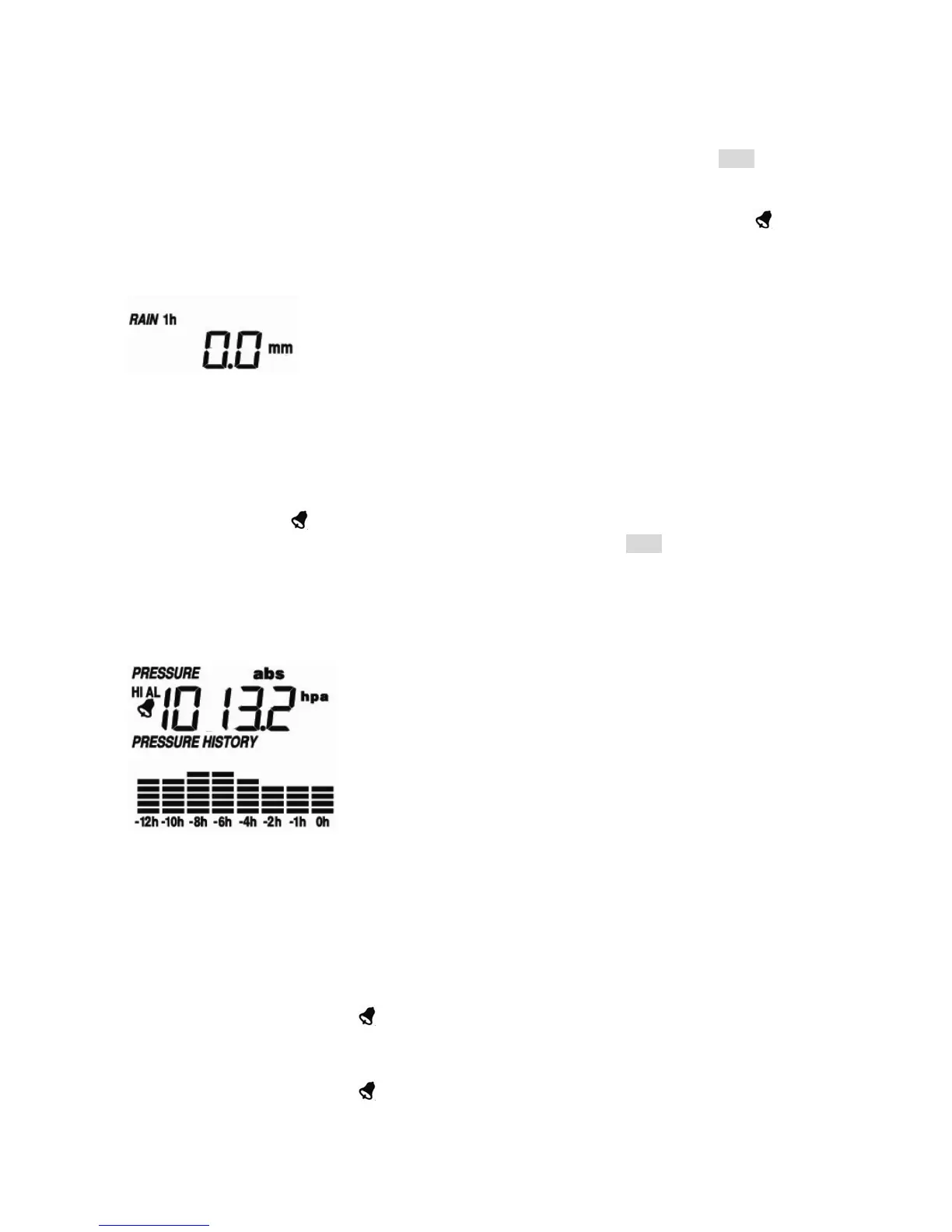
Rain
- Press the MENU key the forth time to select the RAIN section, RAIN section digits will start
flashing. Enter rain display mode (1h, 24h, week, month and total rain. Default 1h), press the
UP/+ or DOWN/- key to select the display.
- Press ENTER key to select the following modes, then press the UP/+ or DOWN/- key to select
the display or set the value:
z Select rain fall unit between mm, inch. (Default mm)
z The rain high alarm setting. Press the ON/OFF key to on/off the alarm. If alarm is enabled,
an alarm symbol
appears in the display indicating the alarm function has been enabled
z Reset the maximum rainfall value. When both the rain value and MAX icon are flashing, hold
the ENTER key for 3s, the maximum rain value will be reset to current reading.
z Clear the total rainfall. When both the total rain value and CLEAR word are flashing, hold the
ENTER key for 3s, the total value will be reset to zero. 1h, 24h, week, month rain value will
be reset to zero automatically.
Press
- Press the MENU key the fifth time to select the PRESSURE section, PRESSURE section digits
will start flashing. Enter the pressure display mode (relative and absolute pressure. Default
absolute pressure), press the UP/+ or DOWN/- key to select the display.
- Press ENTER key to select the following modes, then press the UP/+ or DOWN/- key to select
the display or set the value:
z Select pressure unit between hPa, mmHg, inHg. (Default hPa).
z The relative pressure setting. (If select absolute pressure display, skip this step)
z The pressure high alarm setting. Press the ON/OFF key to on/off the alarm. If alarm is
enabled, an alarm symbol
appears in the display indicating the alarm function has been
enabled
z The pressure low alarm setting. Press the ON/OFF key to on/off the alarm. If alarm is
enabled, an alarm symbol
appears in the display indicating the alarm function has been


 To Next Page