- 9 -
enabled
z Reset the maximum pressure value. When both the pressure value and MAX icon are
flashing, hold the ENTER key for 3s, the maximum pressure value will be reset to current
reading.
z Reset the minimum pressure value. When both the pressure value and MIN icon are flashing,
hold the ENTER key for 3s, the minimum pr
essure value will be reset to current reading.
Pressure history bar graph
Press the MENU key the sixth time to select the PRESS HISTORY section, PRESSURE
HISTORY section digit will start flashing. Press the UP/+ or DOWN/- key to select the bar graph
time scale between 12hrs and 24 hrs for pressure history.
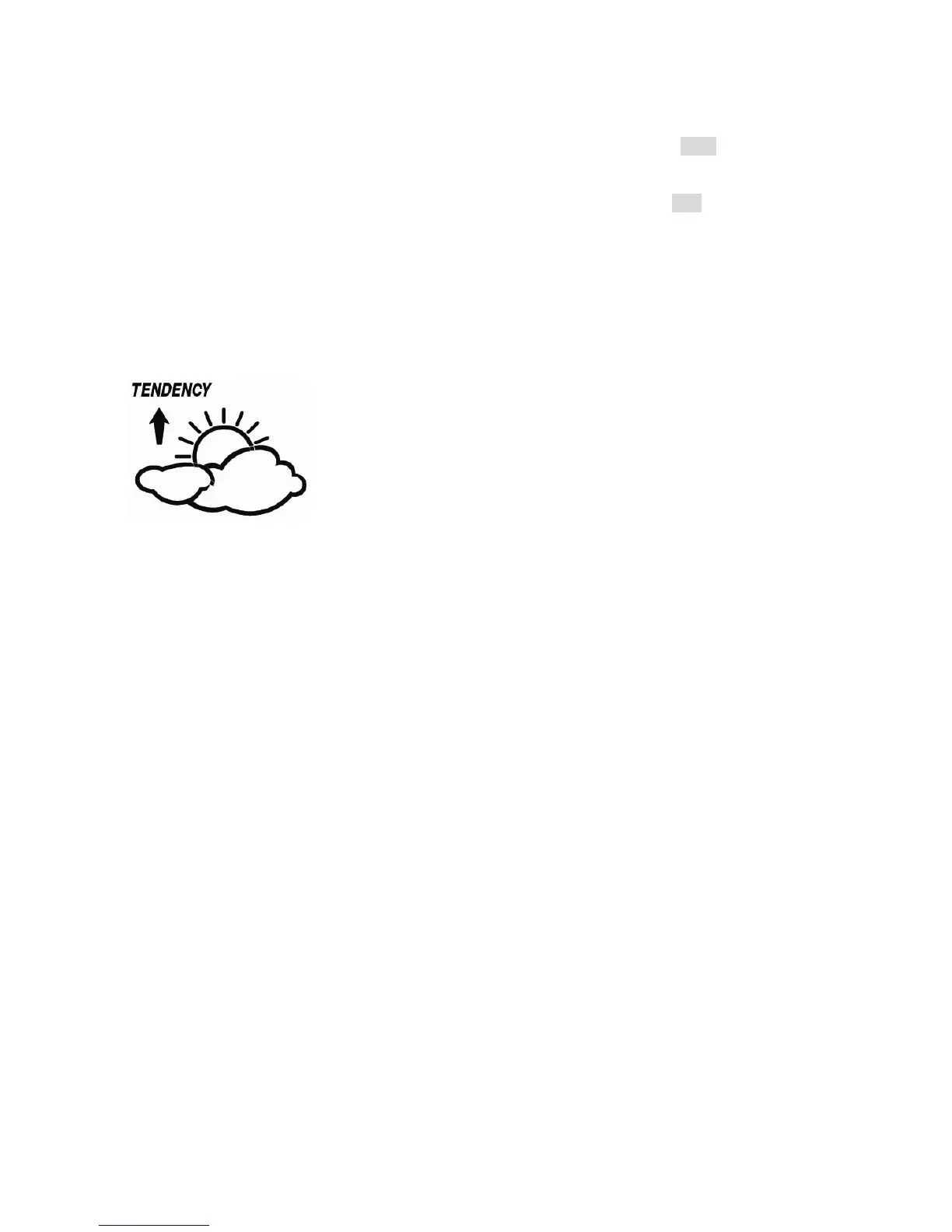
Weather forecast tendency
- Press the MENU key the seventh time to select the TENDENCY section, TENDENCY section
digits will start flashing. Enter the weather forecast tendency display mode(SUNNY, PARTLY
CLOUDY and CLOUDY, RAINY/SNOW), press the UP/+ or DOWN/- key to select the display.
- Press ENTER key to select the following modes, then press the UP/+ or DOWN/- key to select
the display or set the value:
z Set the pressure threshold from 2-4hPa(default 2hPa)
z Set the storm threshold from 3-9hPa(default 4hPa)
Notes to pressure sensitivity setting for weather forecasting:
The pressure threshold can be set to suit the user’s requirement for weather forecasting from
2-4hPa (default 2hPa). For areas that experience frequent changes in air pressure requires a
higher hPa setting compared to an area where the air pressure is stagnant. For example if 4hPa
is selected, then there must be a fall or rise in air pressure of at least 4hPa needed to change the
weather forecast icons.
Notes to storm threshold setting
The storm threshold means the weather icons (rain and clouds) will begin to flash indicating a
dramatic change in pressure, indicating a storm. Similar to the general pressure sensitivity
setting it is possible to adjust the storm threshold sensitivity form 3-9hPa (default 4hPa). When
there is a fall over pressure threshold within 3 hours, the storm forecasting will be activated, the
clouds with rain icon and tendency arrows will flash for 3 hours indicating the storm warning
feature has been activated.
Indoor temperature


 To Next Page