How to Use
8
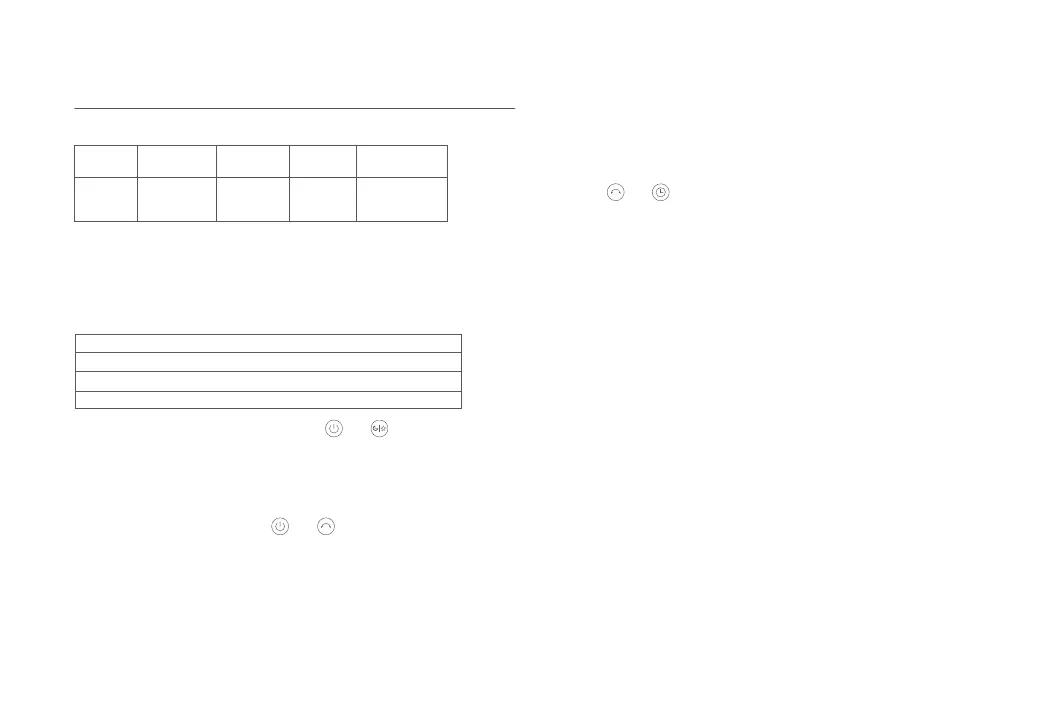
Wi-Fi Indicator Status:
Wi-Fi Status
Indicator
Status
Blinking orange Blinking blue Blue Orange
Awaiting
connection
Connecting Connected Couldn't connect
The Mi account that the fan is paired with has been changed.
The router that the fan is connected to has been changed.
The account or password of the router that the fan is connected to has been changed.
The Mi Home/Xiaomi Home app cannot control the fan.
The Wi-Fi connection needs to be reset on the circumstances listed in the
table below.
Reseting the Wi-Fi
Simultaneously press and hold the buons and . Once you hear a
long beep, the Wi-Fi connection has been reset successfully and then the
Wi-Fi is awaiting a connection.
To disable the function of child lock, go to the page of Mi Smart Standing
Fan 2 in the Mi Home/Xiaomi Home app, or simultaneously press and hold
the buons and until you hear a long beep.
Note: Reseing the Wi-Fi connection or unplugging and plugging in the fan again can also disable
this function.
Child Lock Function
Simultaneously press the buons and when the fan is working, the
Wi-Fi connection is disabled and the fan is turned off.
When the fan is turned on, the Wi-Fi connection is enabled automatically.
Enabling/Disabling Wi-Fi Connection








 To Next Page