5
Accessory:
Installation
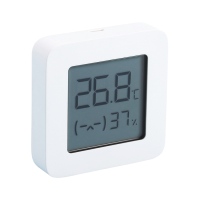
Installing the Battery
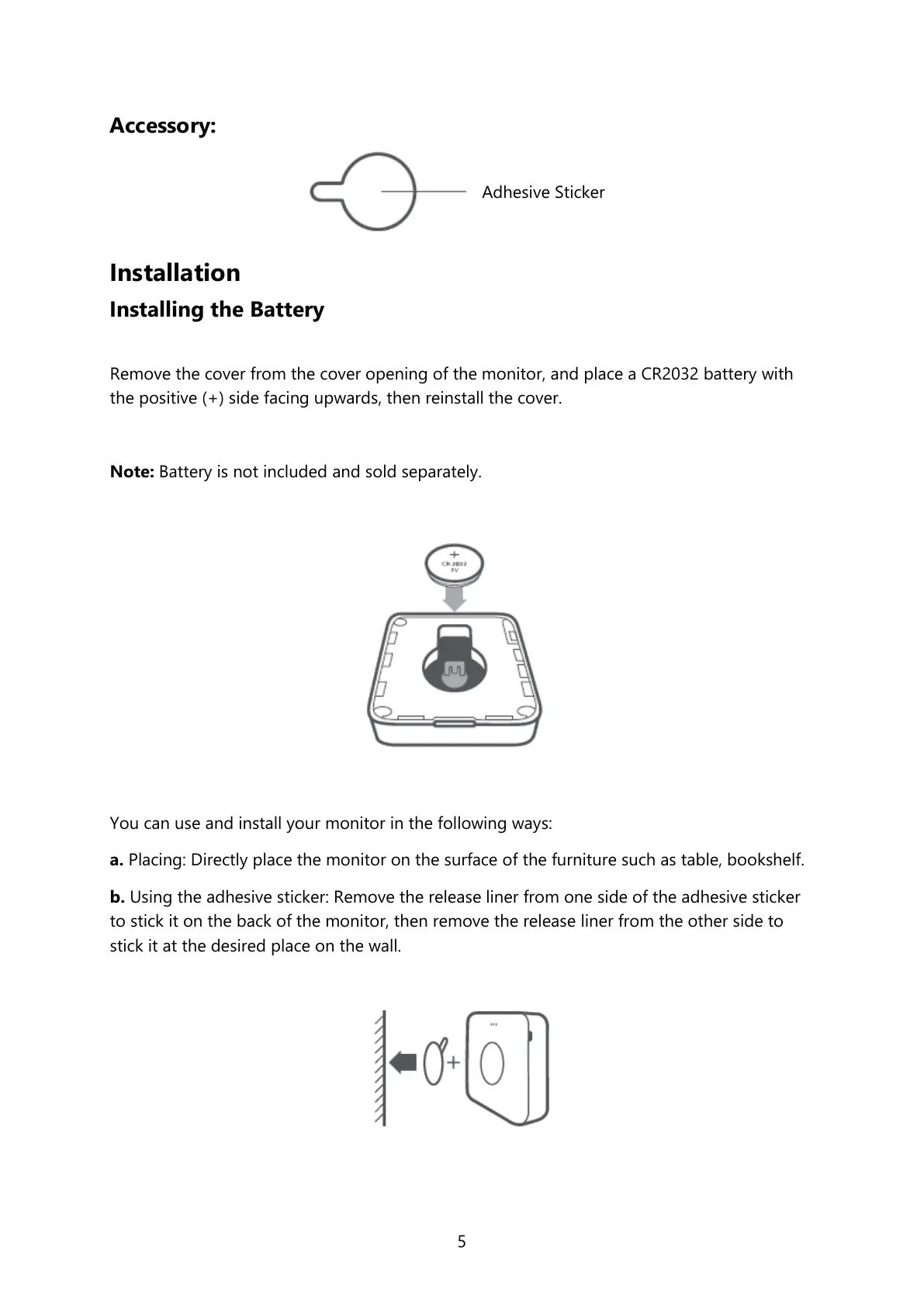
Remove the cover from the cover opening of the monitor, and place a CR2032 battery with
the positive (+) side facing upwards, then reinstall the cover.
Note: Battery is not included and sold separately.
You can use and install your monitor in the following ways:
a. Placing: Directly place the monitor on the surface of the furniture such as table, bookshelf.
b. Using the adhesive sticker: Remove the release liner from one side of the adhesive sticker
to stick it on the back of the monitor, then remove the release liner from the other side to
stick it at the desired place on the wall.


 To Next Page