8
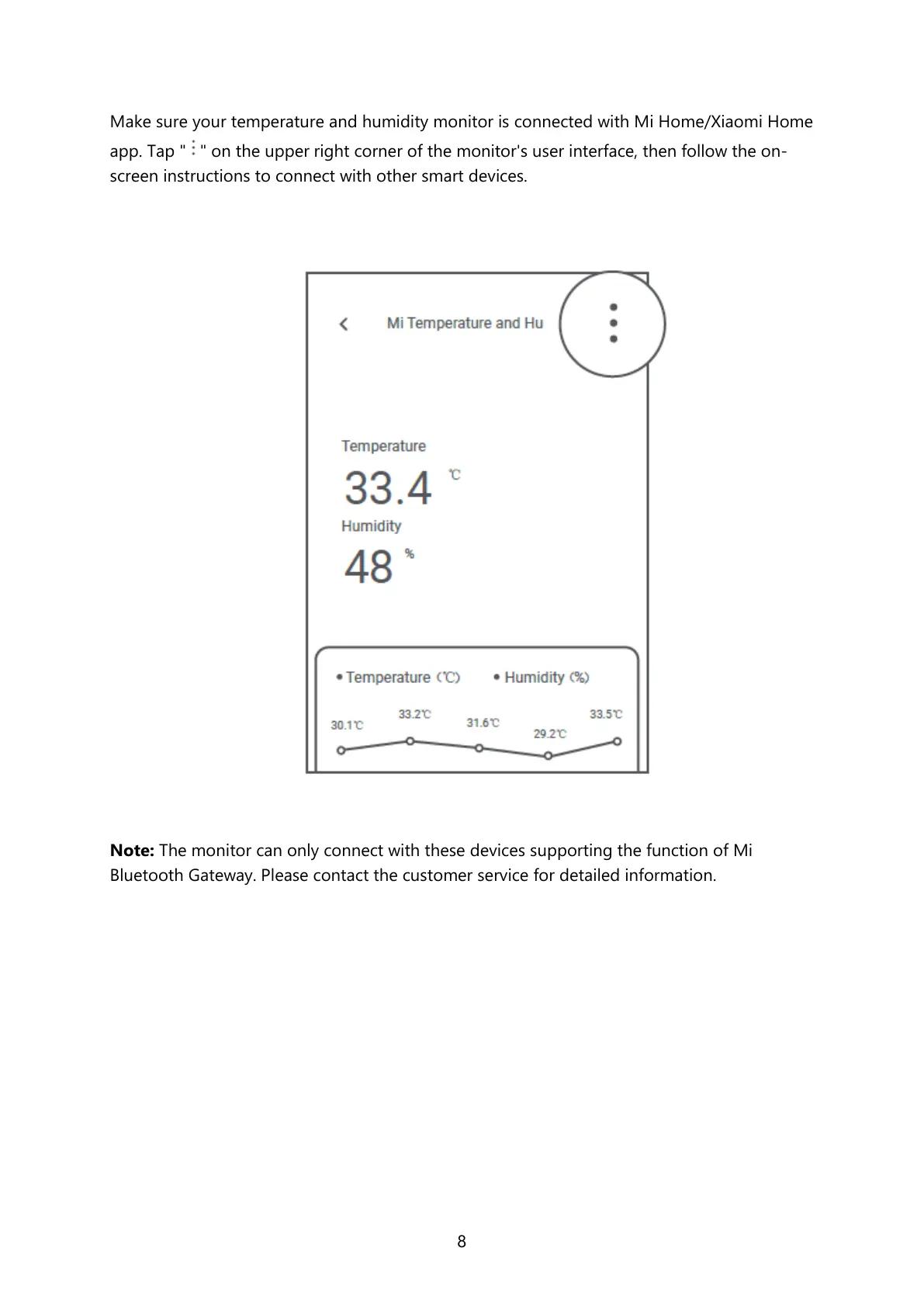
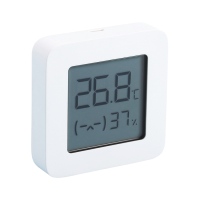
Make sure your temperature and humidity monitor is connected with Mi Home/Xiaomi Home
app. Tap " " on the upper right corner of the monitor's user interface, then follow the on-
screen instructions to connect with other smart devices.
Note: The monitor can only connect with these devices supporting the function of Mi
Bluetooth Gateway. Please contact the customer service for detailed information.


 To Next Page