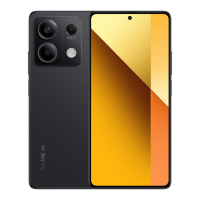
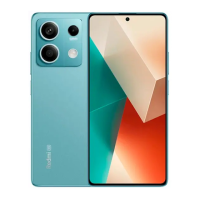
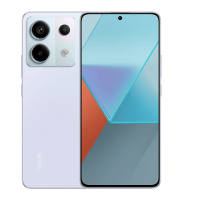
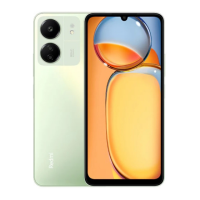
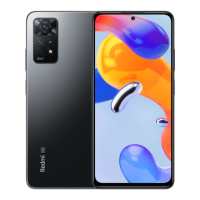
Thank you for choosing Redmi Note 11
Long press the power buon to turn on the device.
Follow the on-screen instructions to configure the device.
For more information, visit our official website:
www.mi.com/global/service/userguide
MIUI
Redmi Note 11 comes pre-installed with MIUI, our customized Android-
based OS which provides frequent updates and user-friendly features based
on suggestions from over 200 million active users worldwide. For more
information, please visit en.miui.com
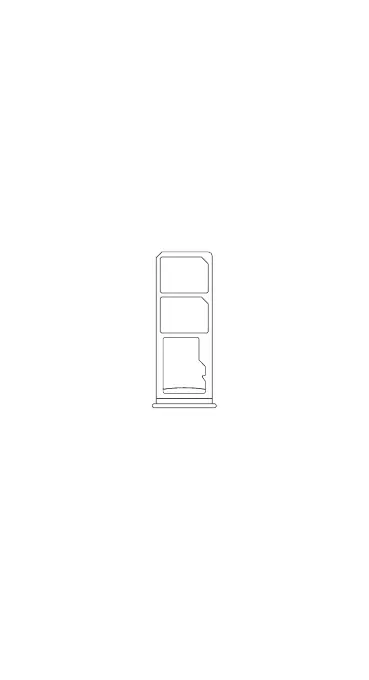
SIM Card Tray:
Micro SD
Nano-SIM
Nano-SIM
About Dual SIM:
• Dual 4G SIM is offered by select telecom operators and may not be
available in all regions.
• Supports dual nano-SIM cards. When using both SIM card slots, either
card can be set as the primary card.
• VoLTE is only supported by telecom operators in certain regions.
• System may be automatically updated for optimal network performance.
For details, please refer to the system version in use on the device.
• Please do not insert non-standard SIM cards into the SIM card slot. They
may damage the SIM card slot.
• WARNING: Do not disassemble this device.


 To Next Page