Copyright © 2009-2014 Micca. All rights reserved. Page | 12
5.1 Media File Display Modes
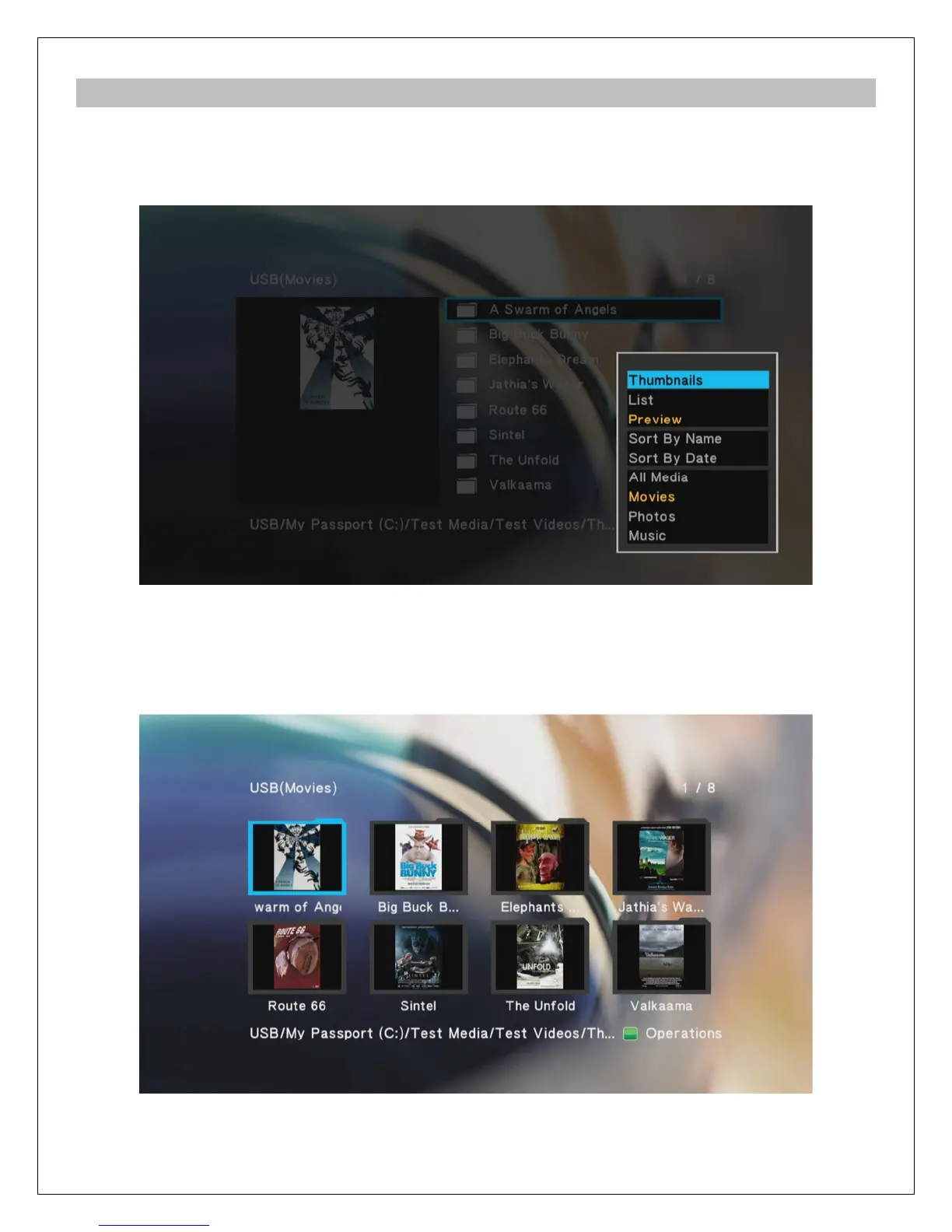
To make it easier and more intuitive to browse media files, three different media display modes
are available: Thumbnail, List, and Preview. To change the display mode, press the MENU
button on the remote to bring up the options menu and select the desired display mode
5.1.1 Thumbnail View
Thumbnail view displays folders and media files as thumbnails on the screen with a partial file
name underneath. This is useful for browsing photos and movies with associated cover art. The
player will use the first JPG image file found in each folder as its thumbnail.



 To Next Page