Copyright © 2009-2014 Micca. All rights reserved. Page | 15
5.4 Browsing UPnP Servers
The player is able to stream media content from UPnP servers through its network connection.
Most modern operating systems have bundled or free UPnP server software available. Some
popular UPnP server software includes Windows Media Player 11, XBMC Media Center
(Linux/Mac/Windows), and MediaTomb (Linux). Setup and configuration of an UPnP server is
beyond the scope of this manual; installation and setup tutorials are available on the Internet for
the aforementioned UPnP server software.
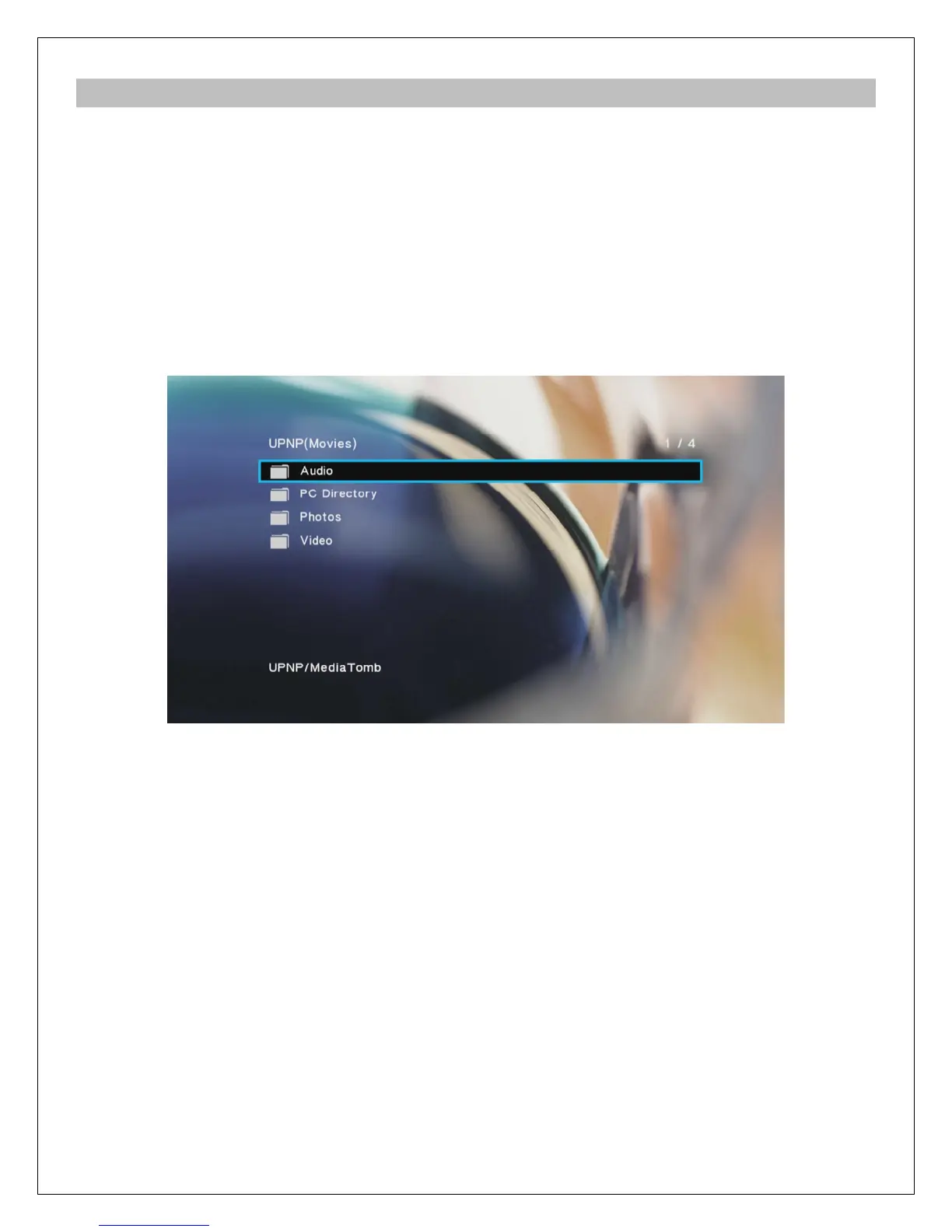
To access UPnP servers, select “Network” from the file browser device list. On the next screen,
select UPnP Media Server and a list of available UPnP servers will be shown. Select one of the
server names and all available media categories from the server will be displayed.
Use the directional LEFT/RIGHT and UP/DOWN buttons on the remote control to select folders
or files and press OK/ENTER to enter a folder. To exit from a folder, press the RETURN button.
To play a media file, highlight it and press the OK/ENTER button.
Because UPnP servers acts as a streaming server and not provide direct access to the
underlying media files, some playback features may not be available depending on the UPnP
server. Examples of features that may not be available include switching of audio tracks and
subtitles, or access to DVD menus. For this reason, it is recommended to stream media files
over a network using file/folder shares instead of UPnP whenever possible.



 To Next Page