Copyright © 2009-2014 Micca. All rights reserved. Page | 18
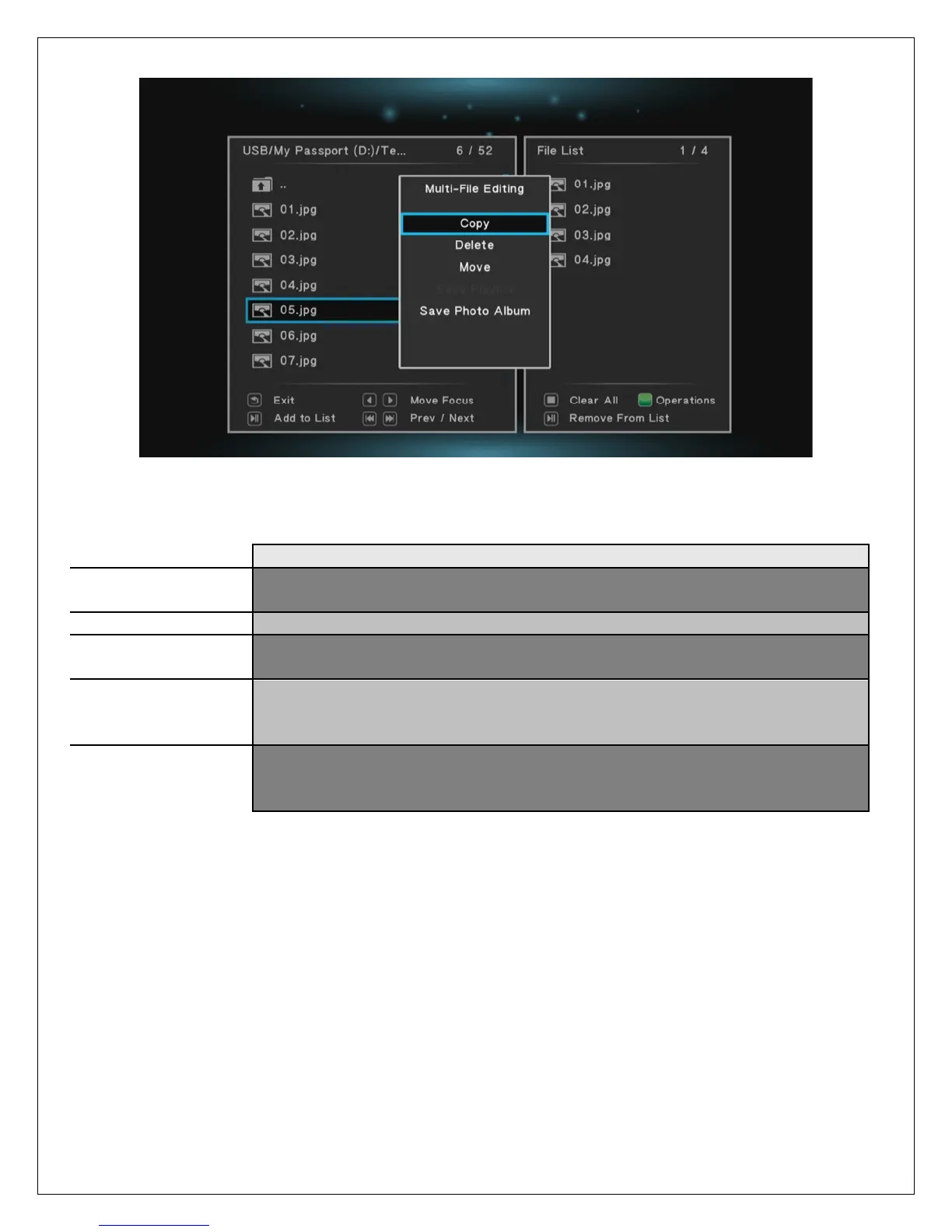
The multi-file editing menu have the following options:
Copy the list of files or folders – the user will be prompted to select the
destination location
Delete the list of files or folders
Move the list of files or folders – the user will be prompted to select the
destination location
If the list of files or folders contains music files, they can be added
together into a new playlist. The user will be prompted to enter a name
for the playlist.
If the list of files or folders contains photos, they can be added together
into a new photo album. The user will be prompted to enter a name for
the album.
After the copy, move, or delete operation is completed, the file browser will display the
destination or source folder of the file operation.



 To Next Page