Copyright © 2009-2012 Micca, LTD. All rights reserved.
A. OSD Menu
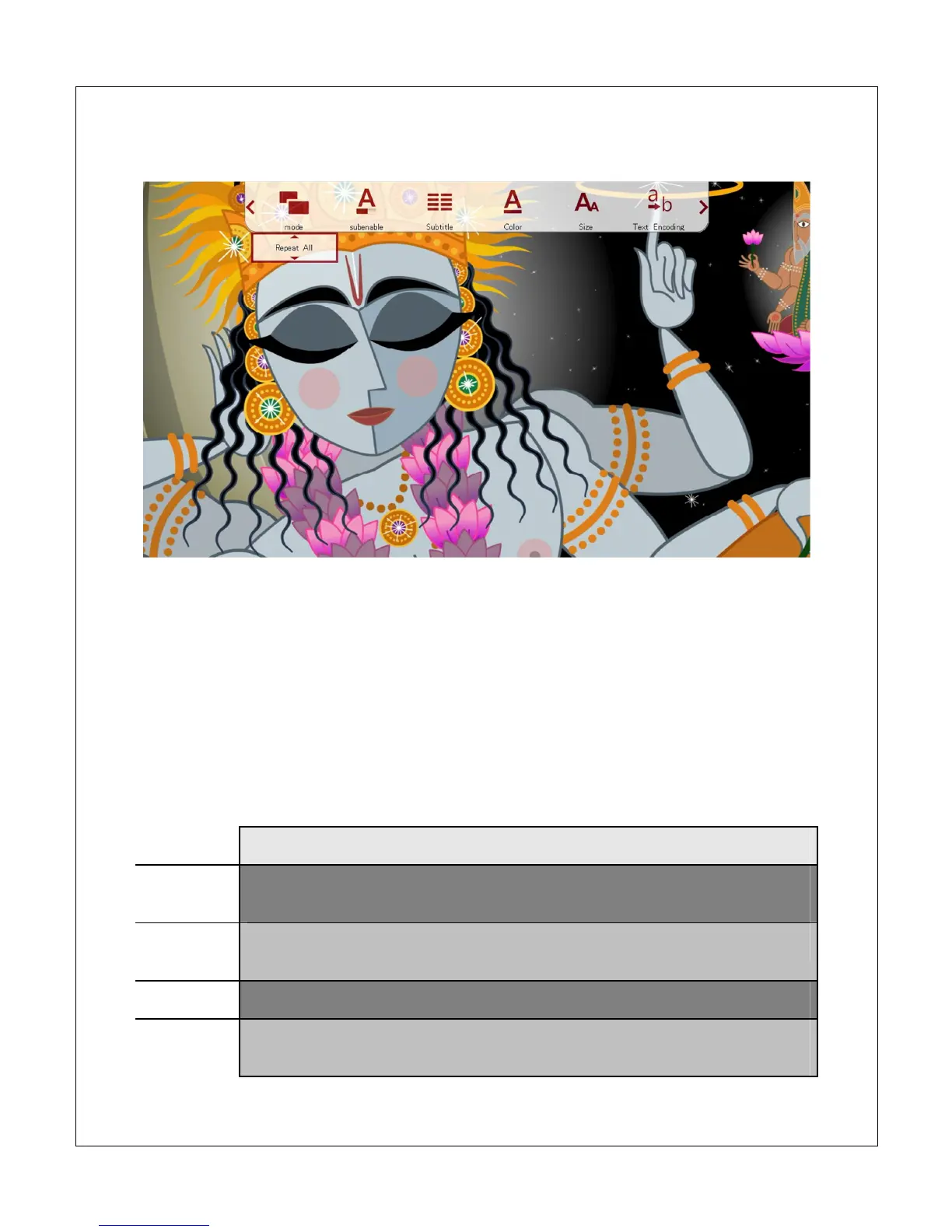
During playback of a movie, the On Screen Display (OSD) menu offers a convenient
way to access many frequently used playback settings. To use the OSD menu, press
the <OSD> button on the remote while a movie is playing.
To change a playback setting, use the <
> and <
> buttons on the remote to
highlight the setting; use the up and down buttons to change the settings value and
press <OK> to save the present setting. When finished, press the <Exit> button to exit
out of the OSD menu.
Setting Description
Mode
Change the playback sequence between Repeat One, Repeat All,
Sequential, Random, Only Once.
Sub
Enable
Enable or disable subtitle display.
Subtitle
Change the subtitle track being displayed.
Color
Change the subtitle text color between White, Gray, Red, Green, Cyan,
Magenta, Yellow.



 To Next Page