Copyright © 2009-2012 Micca, LTD. All rights reserved.
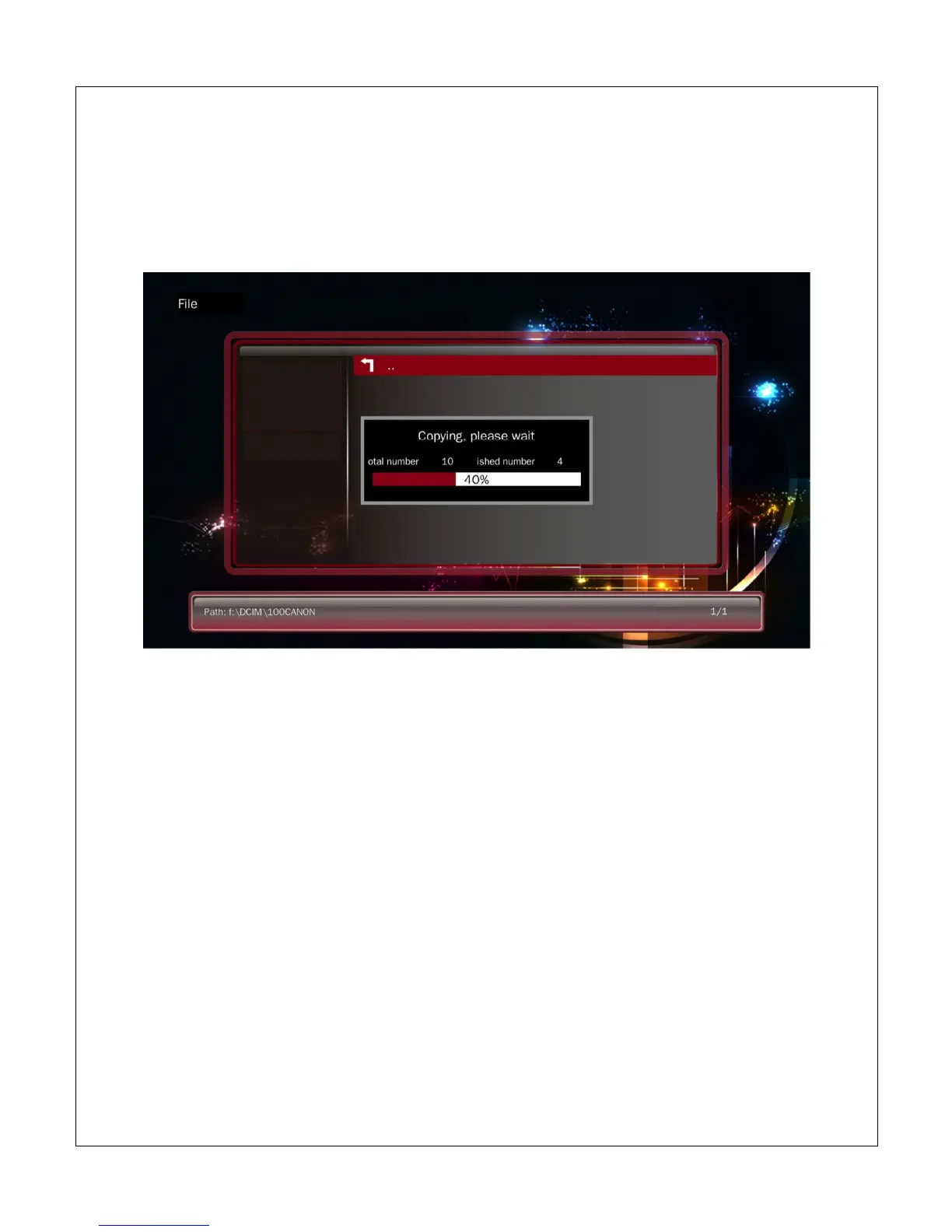
7. Now navigate to the folder that is the copy destination. Press <OSD> on the
remote to bring up the copy/delete menu.
8. Select Paste from the menu and <OK> on the remote to begin copying.
After copying, you may wish to delete the original folder or files. To do so, navigate to
the folder or file to be deleted. Highlight the folder or file and press <OSD> on the
remote, then select Delete from the menu and press <OK> on the remote to delete the
folder or file.



 To Next Page