8
(e.g.: walls, furniture, etc.) between them.
b. One or both of the devices have been
turned off or must be recharged.
c. Connection has not been made within
a specic time and the device is in sleep
mode or powered off. Turn on/off both
devices to re-establish connection.
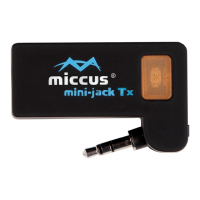
If for any reason the Miccus® Mini-jack TX
does not re-connect or transmit audio please
try the following:
a. Power cycle (on/off) the mini-jack and receiver.
b. Power cycle and repeat pairing process
for both devices.
c. Recharge both devices.
d. Make sure you are trying to pair the
Mini-jack TX with an A2DP compatible
receiving device.
Note: Mobile phones, Tablets, PCs are also
transmitters and will not pair with the Mini-
jack TX.
Support
Further details and answers to common questions
are found at www.miccus.com/support.
If your question is not answered, feel free to
email us at support@miccus.com. Please include
the product name in your email subject line.
For live technical assistance please call 1(616)
604-4449. Our hours of operation are Monday


 To Next Page