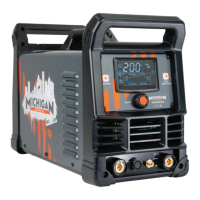
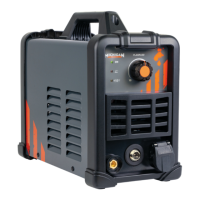
1. Cut Current Setting Knob Adjusts the cut amperage
2. Power Indicator: When the machine is turned on, the power indicator will
be on.
3. Working Indictor: When the cutting torch be triggered, the working
indictor will be on
4. Alarm Indicator: When the thermal indicator is on, it shows the machine is
overloaded and the internal temperature is too high. Cut output will turn off
automatically but the fan will still be working. When the internal temperature is
decreased, the overload light will turn off and the machine will be ready to weld.


 To Next Page