Need help?
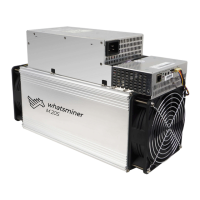
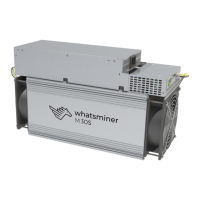
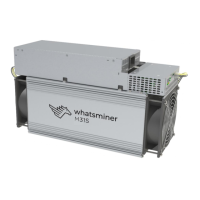
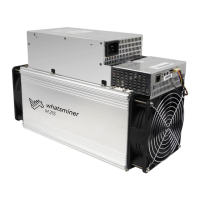
Do you have a question about the MicroBT WhatsMiner M21S and is the answer not in the manual?
Correctly connect miner power, control, and fan wires to prevent damage.
List of essential equipment for miner setup, including PC, power, and network.
Diagram illustrating the required network setup for optimal miner operation.
Use WhatsMiner Tools to find the miner's IP address on the network.
Verify miner IP via control panel lights and software reporting.
Set up mining pool addresses and worker credentials via the web interface.
Update NTP server settings for accurate time synchronization on the miner.
Assign a static IP address to the miner for stable network management.
Detailed steps to unplug cables and remove the miner's control panel.
Reinstall control panel, connect cables, and secure with screws.
Remove power supply by undoing screws and unplugging cables.
Connect power supply terminals, screws, and secure the unit.
Remove control board, fan, adapter plate, and copper bars before hash board removal.
Load hash boards, install adapter boards, and ensure proper contact seating.
 General
| Power Consumption | 3360 W |
|---|---|
| Network Connection | Ethernet |
| Algorithm | SHA-256 |
| Coin | Bitcoin |
| Voltage | 12V |
| Power Efficiency | 60 J/TH |
| Dimensions | 390mm x 155mm x 240mm |
| Operating Temperature | 0 to 40 °C |
| Humidity | 5 to 95 % |
| Hash Rate | 56 TH/s |
| Cooling | Air-cooled with 2 fans |

 To Next Page