Operation instruction:
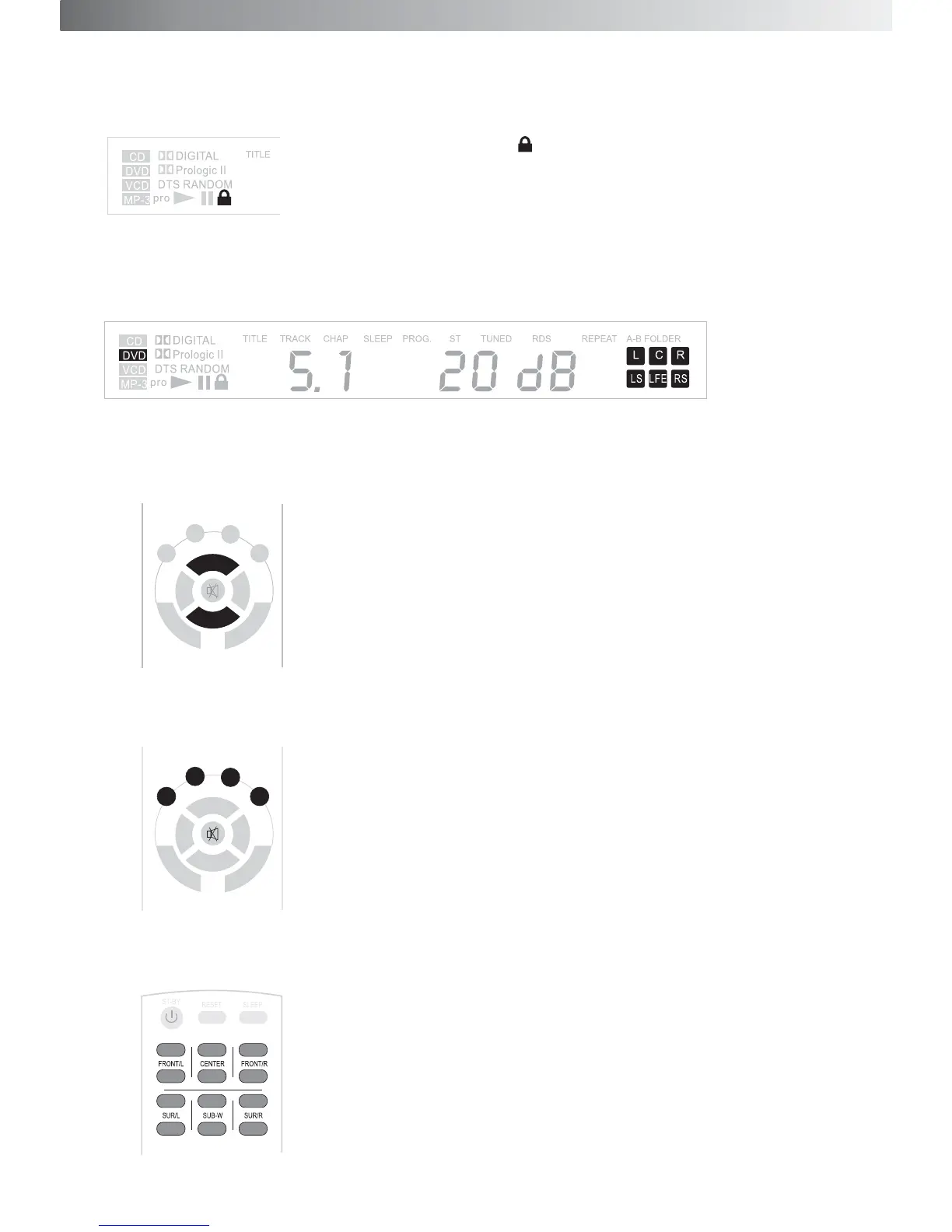
1.Turn on the power. The symbol will be shown on the left of the
display and the system is in Stand-by mode.
2.
3.Master
4.
5.C
Press ST-BY key on the control unit or remote the defanlting setting up of the system is 5.1 input,
5.1 output and master volume at 20dB.
Volume adjustment: Press Volume +/- on the control unit or VOL +/- on the remote control, to
turning the volume between 0dB-60dB.
Audio input option: Press INPUT on the control system, to select input channel among 5.1CH, CD, AUX,
and 5.1CH. Or press the key on the remote control to select directly.
hannel volume trimming: Press FRONT/L +/-, FRONT/R +/-, CEN +/-, SUR/L +/-, SUR/R +/-, SUB-W +/-
to adjust the volume of each channel directly between +/-6dB.
C D AUX
5.1CH MODE
VOL+
BAL/L BAL/R
VOL-
TREBLE BASS
C D AUX
5.1CH MODE
VOL+
BAL/L BAL/R
VOL-
TREBLE BASS
9


 To Next Page