1. Insert the 12V DC plug into the DC output port of the machine.Please first make
sure that the main power is turned on, then press the DC button to turn on 12V DC
output. At the same time, the corresponding symbol is displayed on the LCD screen.
Supply power to 12V DC equipment
A. When the product is normally charged, the electric quantity indicator symbol
shows the increase from the current electric quantity to the full electric quantity, and
circulates.
B. When the battery is fully charged, the electric quantity indicator symbol on the
LCD screen will display ten bars, and the LCD screen will turn off after 10 seconds.
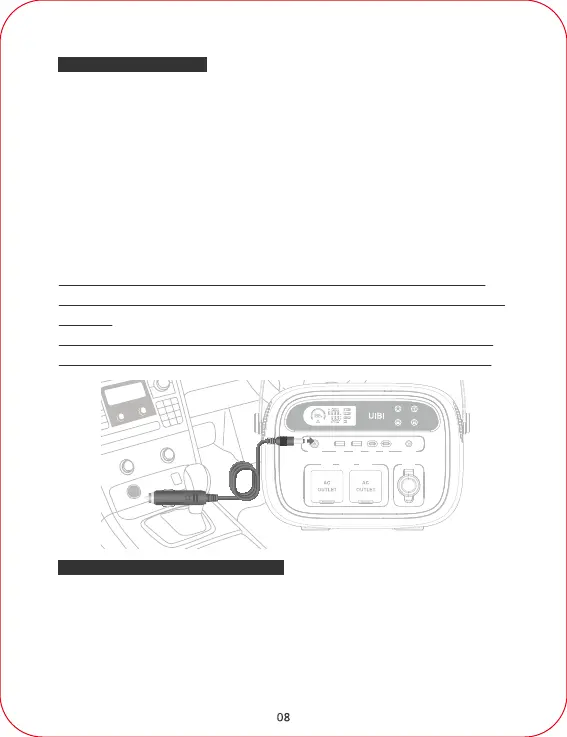
1. Connect the output cable of the car charger to the charging input port of the
machine, then plug the other end into the car cigarette lighter socket, and
charging will start automatically.
2. During the charging process, the electric quantity indicator symbol circulates
from the current amount of electricity to the full amount of electricity, displaying
the percentage of battery power. "Input Power" and the current input power
value, "Time To Full" and the remaining charging time are also displayed.
3. After the device is fully charged, remove the wire of the car charger from the
machine.
Charging - Car Charger
DC5.5 Output Port



 To Next Page