1. Insert the input end of the device cable into the USB port or type-C
port of the machine. First make sure that the main power is on, and
then press the DC button to turn on the output. At the same time, the
corresponding symbol will be displayed on the LCD screen.
2. After the charging is complete, press the DC button again to turn off
the output of the machine, and pull out the wiring plug from the USB or
Type-C output port of the machine.
USB or Type-C output
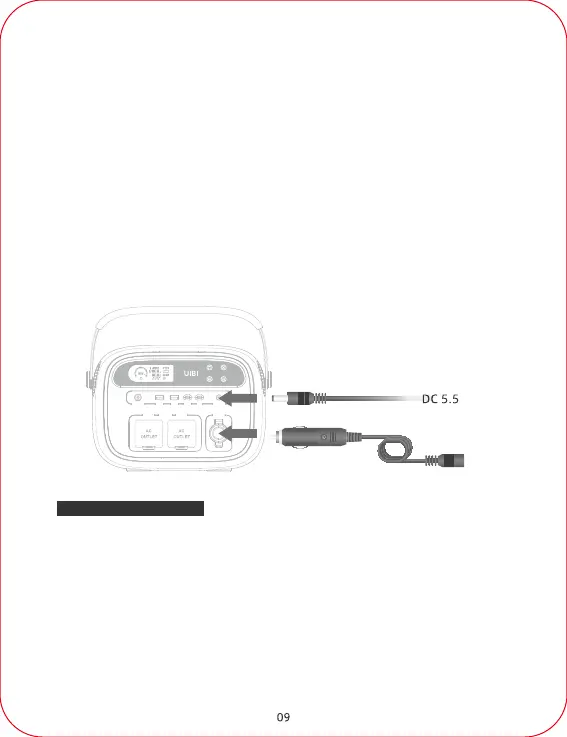
1. Insert the 12V DC cigarette lighter plug into the cigarette lighter socket
of the machine. Please first make sure that the main power is turned on,
then press the DC button to turn on the 12V DC output. At the same time,
the corresponding symbol is displayed on the LCD screen.
2. After charging is completed, press the DC button again, turn off the
12V DC output of the machine, and pull out the cigarette lighter plug
from the cigarette lighter socket of the machine.
Cigarette lighter output port
2. After charging is completed, press the DC button again to turn off the
12V DC output of the power station, and pull out the device cable from
the DC5.5 output port.
Device for cigarette lighter port



 To Next Page