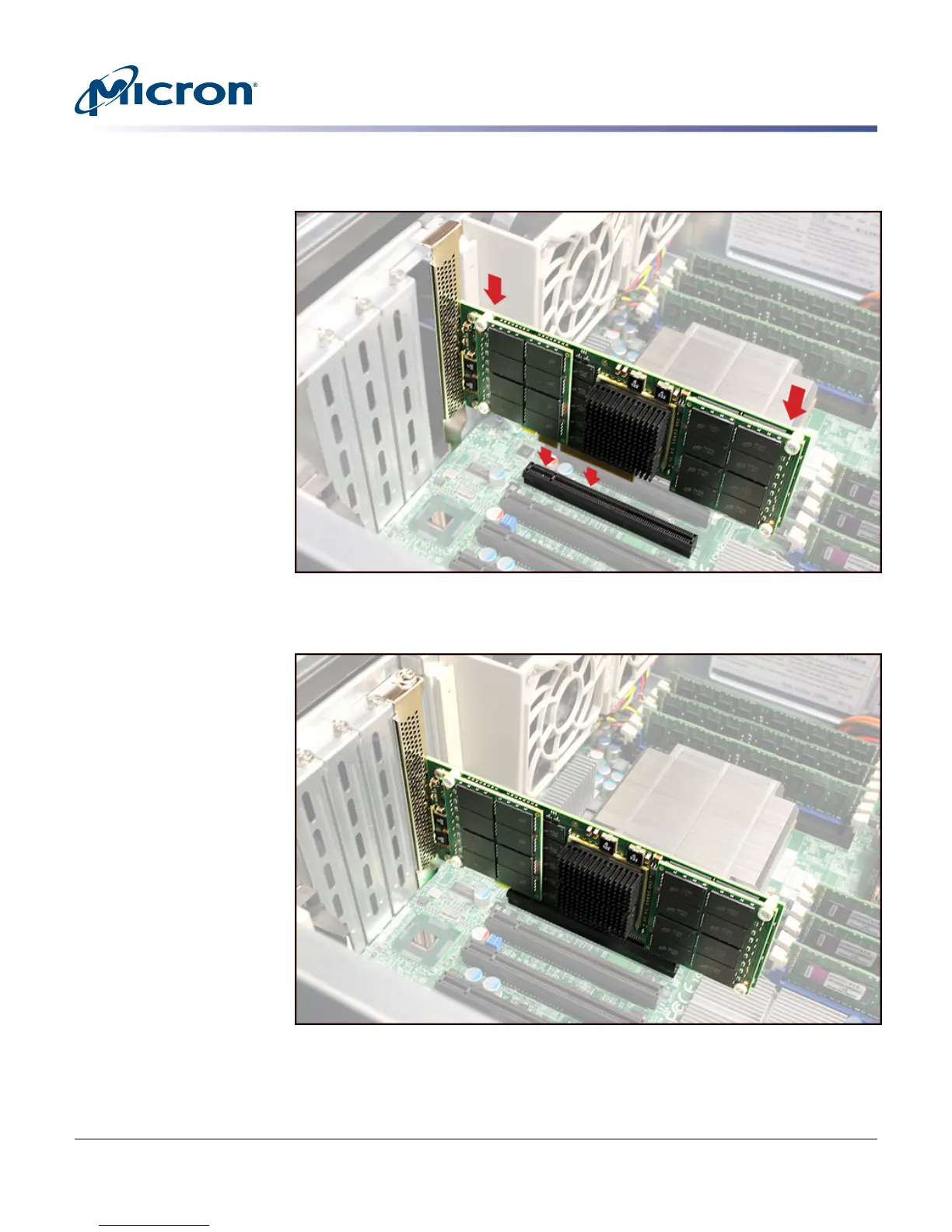
Figure 6: Inserting the Drive into a PCIe Slot
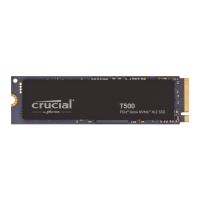
Note: P320h drive shown.
Figure 7: Drive Installed
7. If possible, ensure the LEDs on the drive will be visible when the system cover is
replaced.
8. Power on the system.
P420m/P320h HHHL PCIe SSD Installation Guide
Installing the Drive
PDF: 09005aef8497e00a
P420m_P320h_HHHL_installation_guide.pdf - Rev. V 12/14 EN
10
Micron Technology, Inc. reserves the right to change products or specifications without notice.
© 2012 Micron Technology, Inc. All rights reserved.


 To Next Page