User Guide
5
2.2 Configure the Internet
2.2.1 Configure the Router in Gateway Mode
2.2.1.1 Dial-up for Internet Access
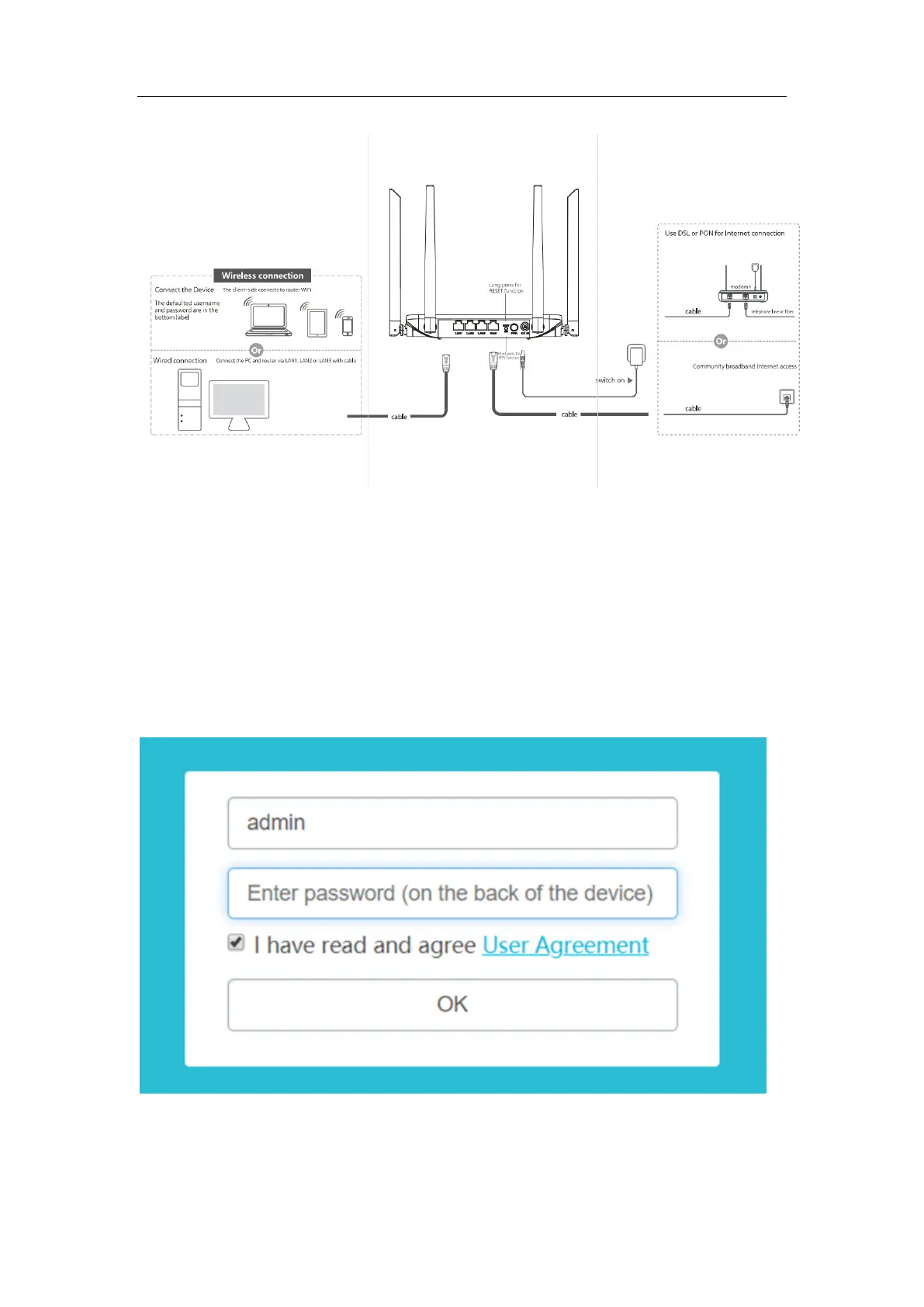
After the connection is completed, use a mobile phone or computer to search for the Wi-Fi
name "2.4G SSID or 5G SSID" on the label on the back of the device and enter the
corresponding password to connect to Wi-Fi. Open the mobile phone or computer browser,
visit the 192.168.10.1 page, enter the default account and default password on the label on
the back of the device, and enter the router management interface.
Enter the router management interface and select the network-mode. Change the mode to
gateway mode.



 To Next Page