User Guide
8
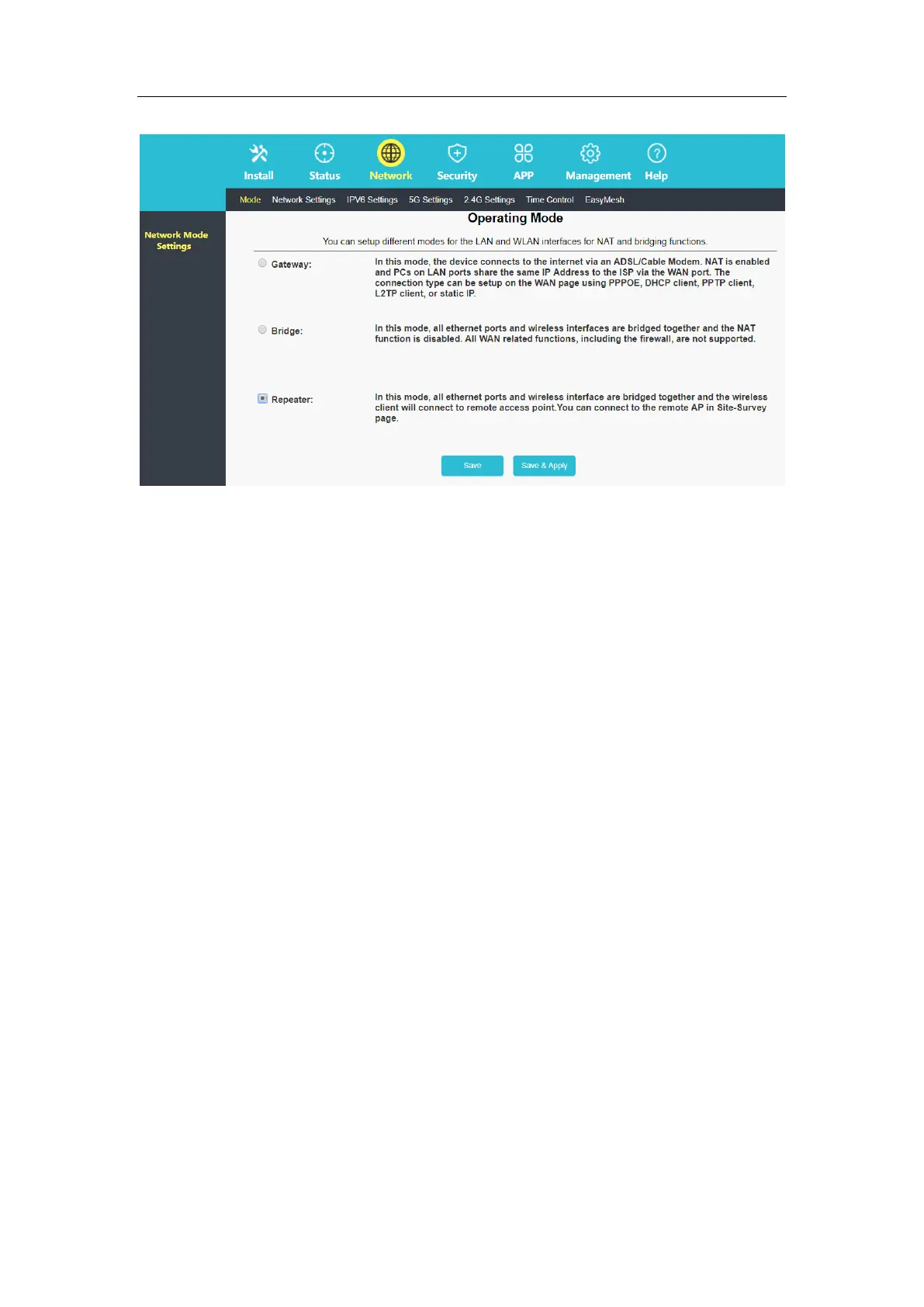
In the router management interface, select "Network—5G Configuration Settings—Network
Scan", click Scan, select the uplink signal, fill in the upper-level Wi-Fi key, and click Connect.
Chapter 3. Revise Wi-Fi Password
This chapter introduces how to revise Wi-Fi Password.
Revise Wi-Fi Password
In the router management interface of 192.168.10.1, click the "Install-Install Settings", you
can customize the 2.4G and 5G "wireless name and wireless password".



 To Next Page