User Guide
7
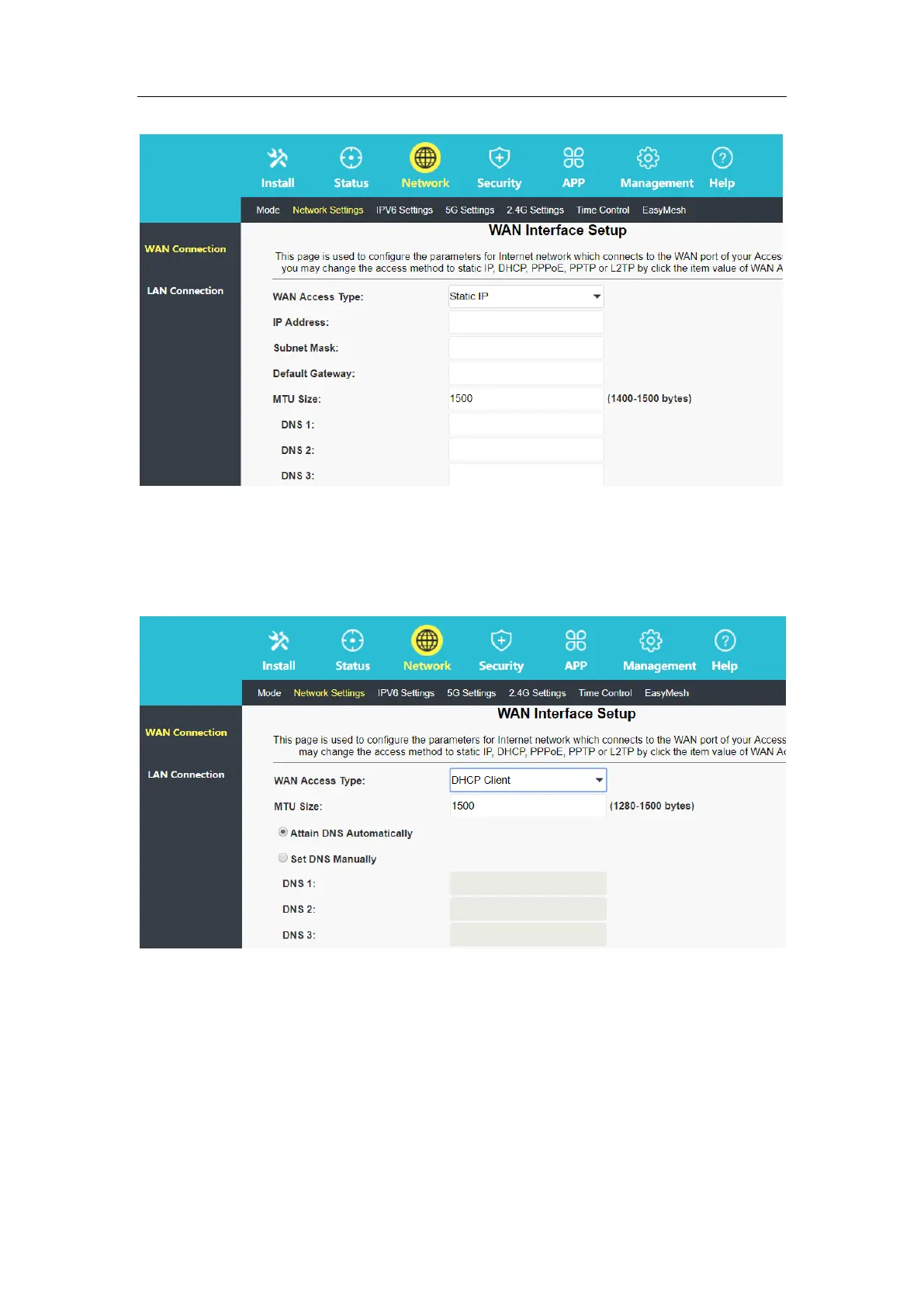
2.2.1.3 Dynamic IP for Internet Access
The router is defaulted to dynamic IP (DHCP Client) for Internet access. The Wi-Fi name is
the default name (in the label at the bottom of the device).
2.2.2 Configure the Router in Bridge Mode
After the connection is completed, use a mobile phone or computer to search for the Wi-Fi
name "2.4G SSID or 5G SSID" in the label at the bottom of the device, enter the password,
connect to the Wi-Fi, and then you can surf the Internet.
2.2.3 Configure the Router in Repeater Mode
In the router management interface, select the “Network-Mode”, change the mode to
repeater mode.



 To Next Page