User Guide
6
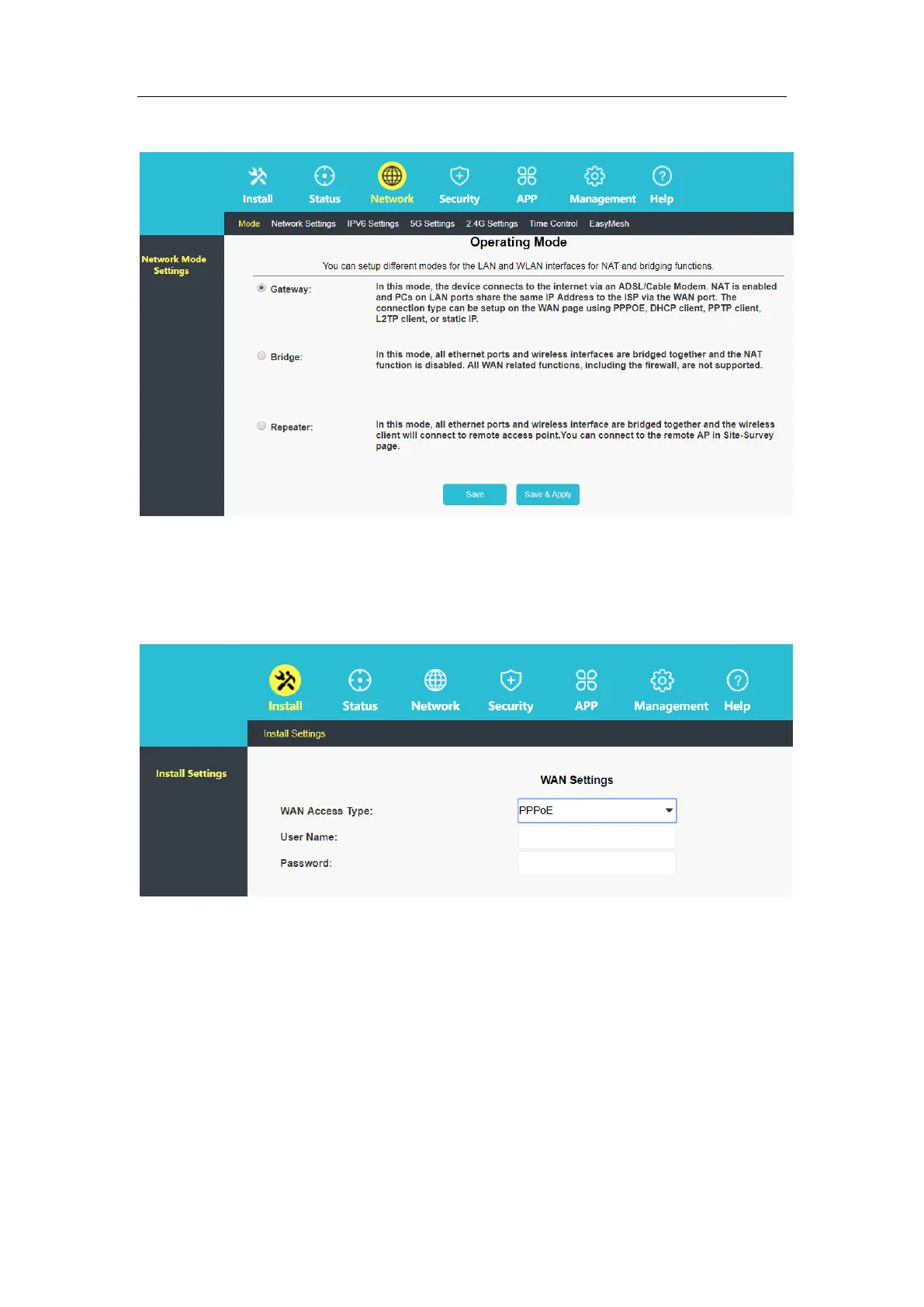
In the router management interface, click "Install-Install Settings" and select "PPPoE". Fill in
the User Name and Password, click "Save". Wait for the device to be saved and Internet
access is available. The Wi-Fi name is the default name (in the label at the bottom of the
device).
2.2.1.2 Static IP for Internet Access
In the router management interface, click "Network-Network Settings-WAN Connection" to
select a static IP address, fill in the IP address, default gateway and DNS1 (DNS2 and DNS3
are optional) and click "Save/Apply", wait for the device to save the settings and then surf the
Internet. The Wi-Fi name is the default name (in the label at the bottom of the device).



 To Next Page