Operator Maintenance 101
_______________________________________________________________________________________________
_______________________________________________________________________________________________
MICROPLEX Operator’s Manual SOLID F40 Edition 1.1
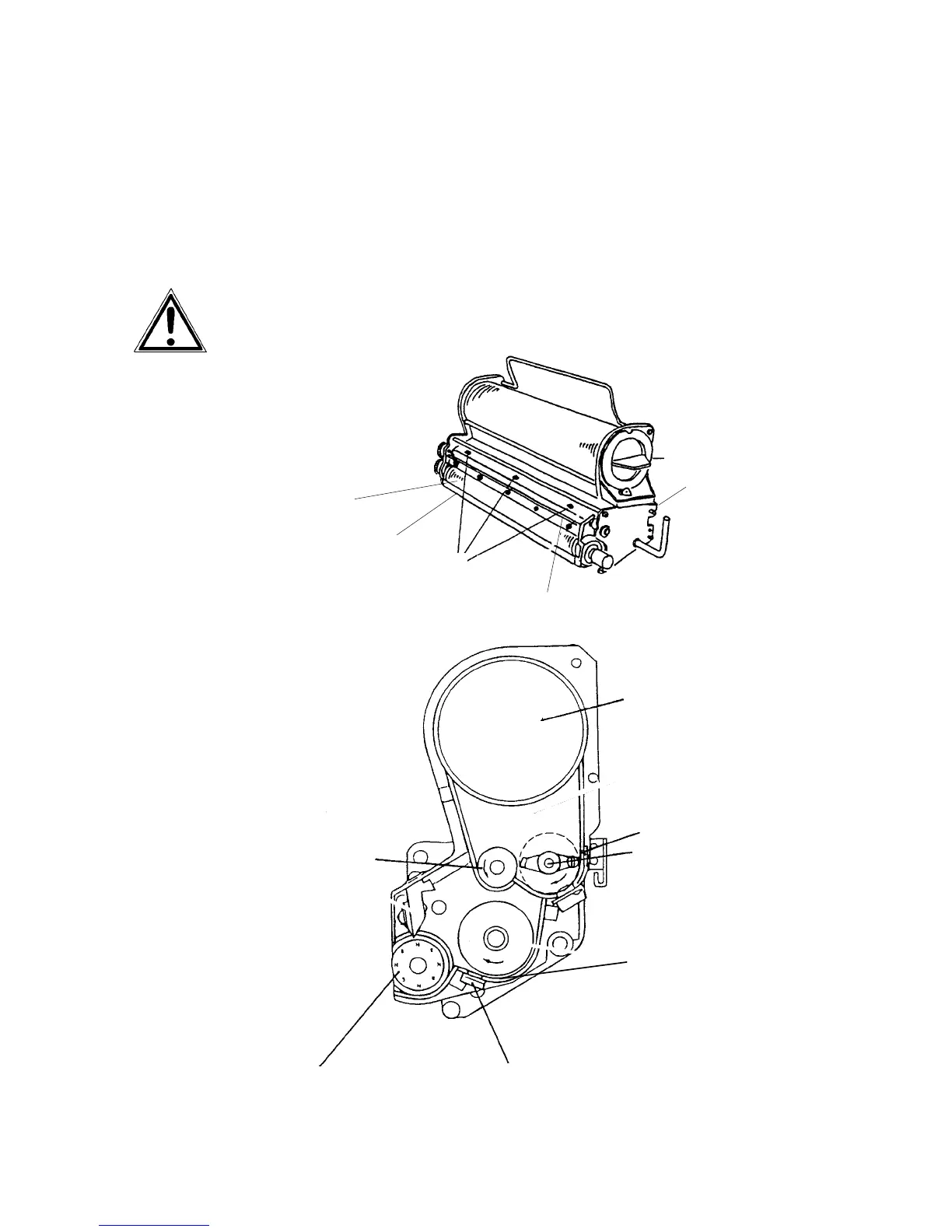
7.2. Developer Unit Cleaning
!
Please check the extend of soiling of the developer unit every time the
toner cartridge is replaced (see section 3.2).
Cleaning the developer unit has to be done in due time to avoid
reduced print quality (see section 8.1, too).
Please clean the developer unit especially careful to avoid damaging
the sensors.
Toner cartridge
Guide rail
Cleaning brush
Screws of the cover
Developing roller
Sealing welt
Toner cartridge
Sensor (toner empty)
Developing roller
Sensor (toner density)
Toner spindle
Toner roller
Developer tub



 To Next Page