110 Operator Maintenance
_______________________________________________________________________________________________
_______________________________________________________________________________________________
MICROPLEX Operator’s Manual SOLID F40 Edition 1.1
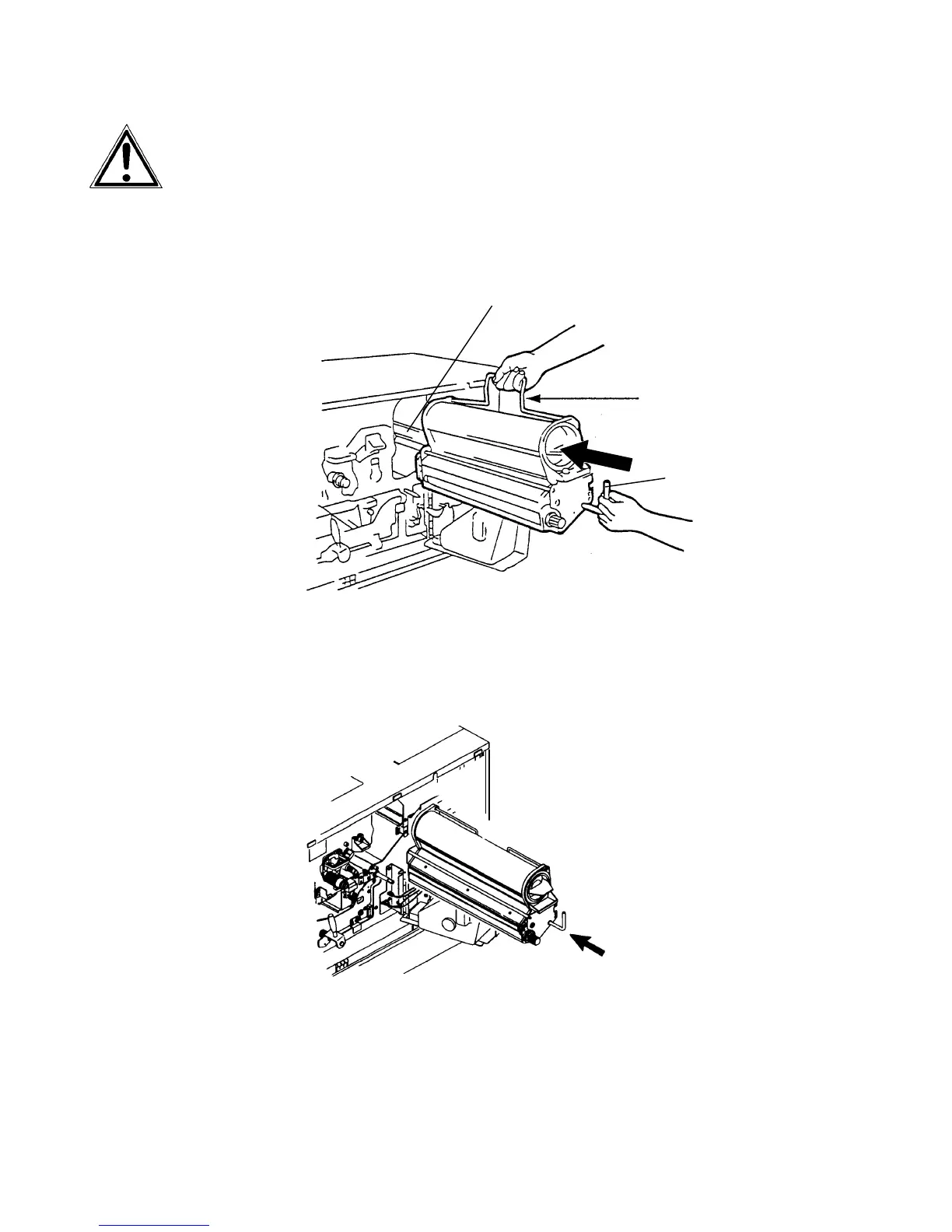
Before reinstalling the developer unit make sure the lever of the
unit points up to avoid damaging the photoreceptor drum.
11. Hold the lever with one hand and the handle with the other
one and place the developer unit onto the guide rail.
Guide rail
Lever
Handle
12. Turn the handle to the right so it rests against the developer
unit and slide the unit back into the printer.



 To Next Page