124 Operator Maintenance
_______________________________________________________________________________________________
_______________________________________________________________________________________________
MICROPLEX Operator’s Manual SOLID F40 Edition 1.1
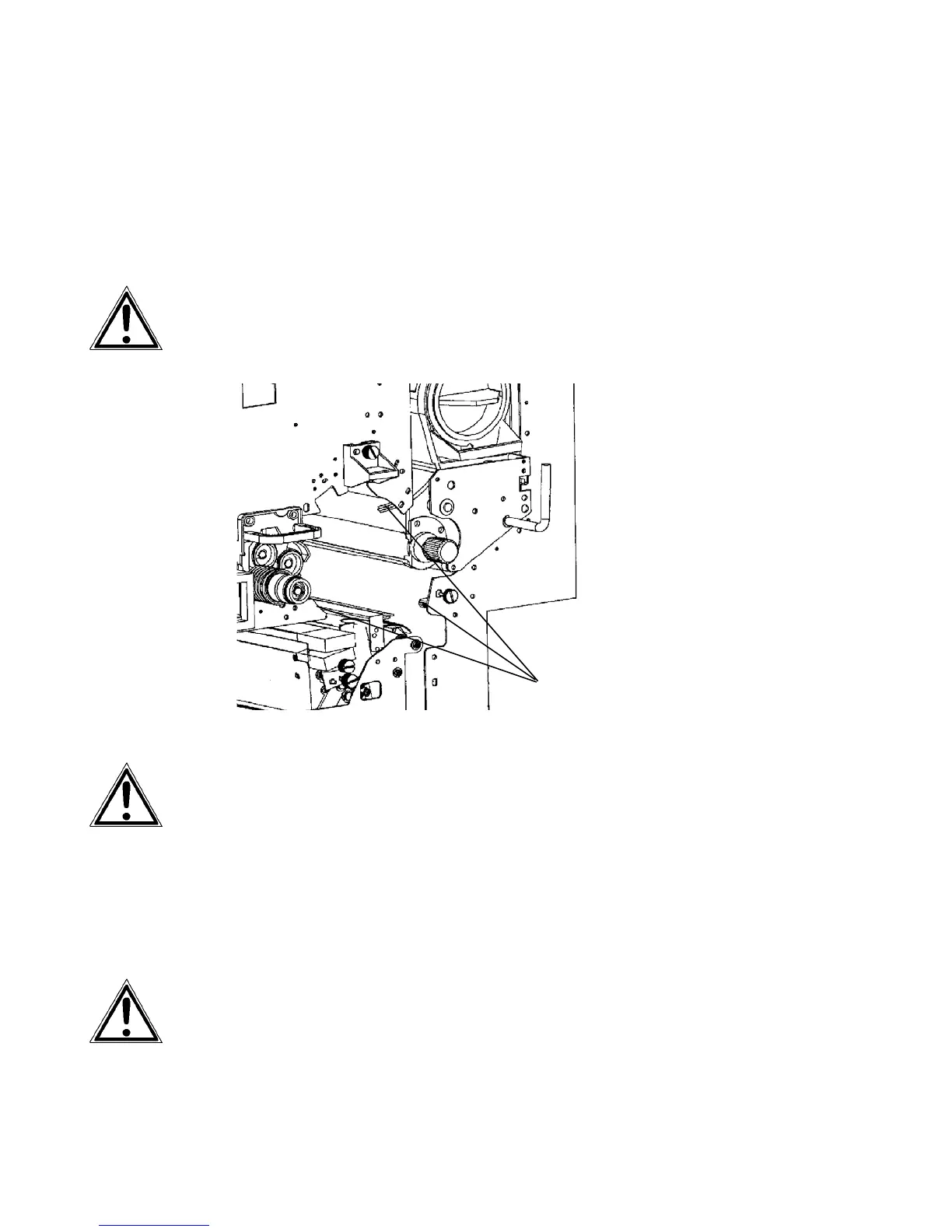
17. Put the drum carefully with both hands onto the auxiliary
rod. When the drum is reaching the position, where the
auxiliary rod is fixed at the drum shaft, lift the drum carefully
(not by force) over the connection.
Please secure that the drum lies on the rubber rollers to avoid
damage when you move it into the device.
Rubber rollers
If the position of the drum is not correct, take it out again and look
for foreign particles or other stoppages at the shaft.
18. Turn the photoreceptor drum by hand and press it a
little bit into the device until it stops at the rear. After
that turn the drum clockwise until it engages.
Please be especially careful when carrying out this operation
to avoid damaging the printer.



 To Next Page