Operator Maintenance 123
_______________________________________________________________________________________________
_______________________________________________________________________________________________
MICROPLEX Operator’s Manual SOLID F40 Edition 1.1
!
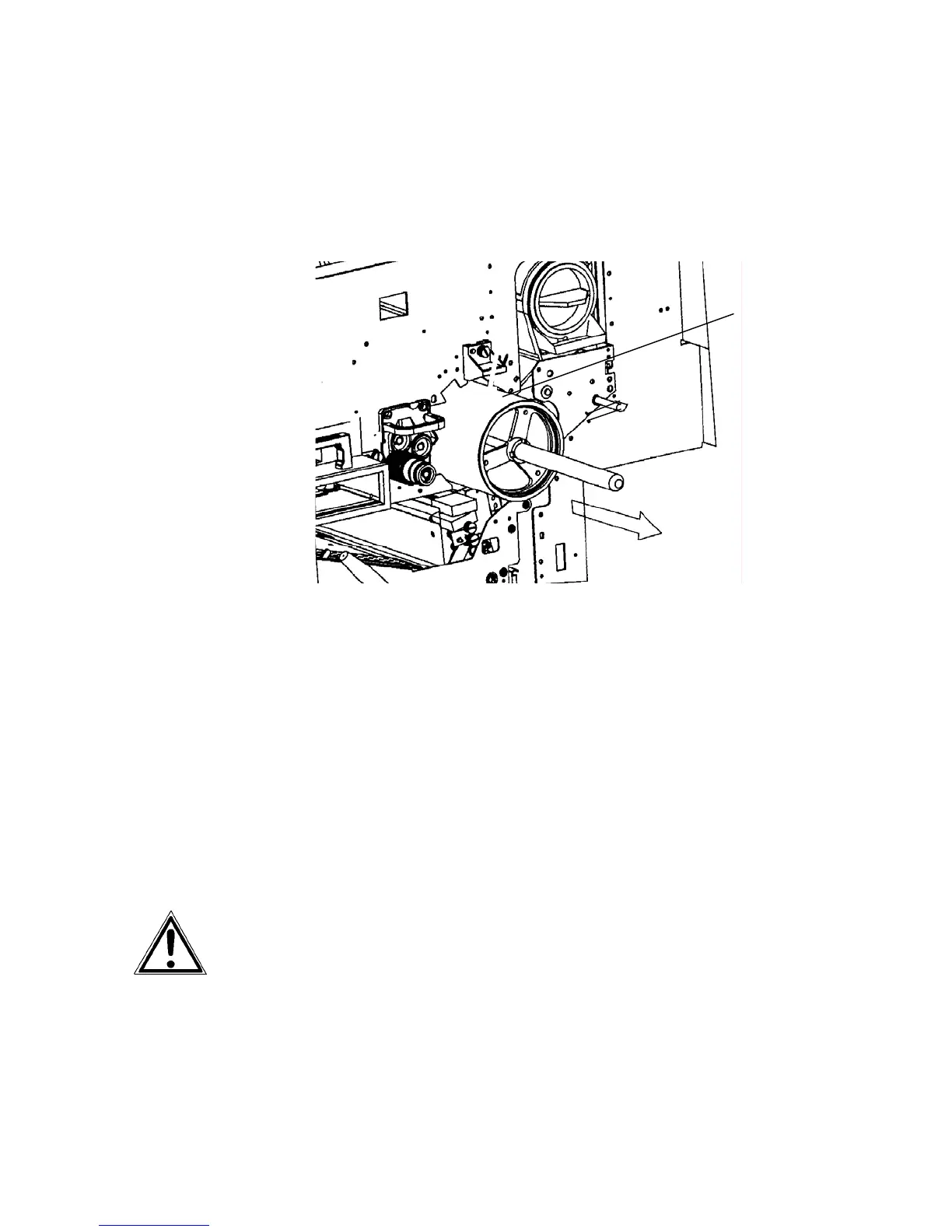
13. Pull out the old drum carefully along the auxiliary rod. Hold
the drum at its front and rear side and remove it out of the
device using both hands.
Drum
14. Keep the old drum in its original packing until disposal.
15. Clean the drum shaft with a lintfree cloth.
16. Put the new photoreceptor drum out of its packing and clean
the end caps of the drum with a lintfree cloth.
Please keep the packing materials for the future disposal of the new
drum.
Please avoid exposing the drum to the daylight longer than 5
minutes and don’t touch the drum surface.



 To Next Page