Troubleshooting 133
_______________________________________________________________________________________________
_______________________________________________________________________________________________
MICROPLEX Operator’s Manual SOLID F40 Edition 1.1
8.3. Paper Jam
8.3.1. Paper Jam inside the Tractor
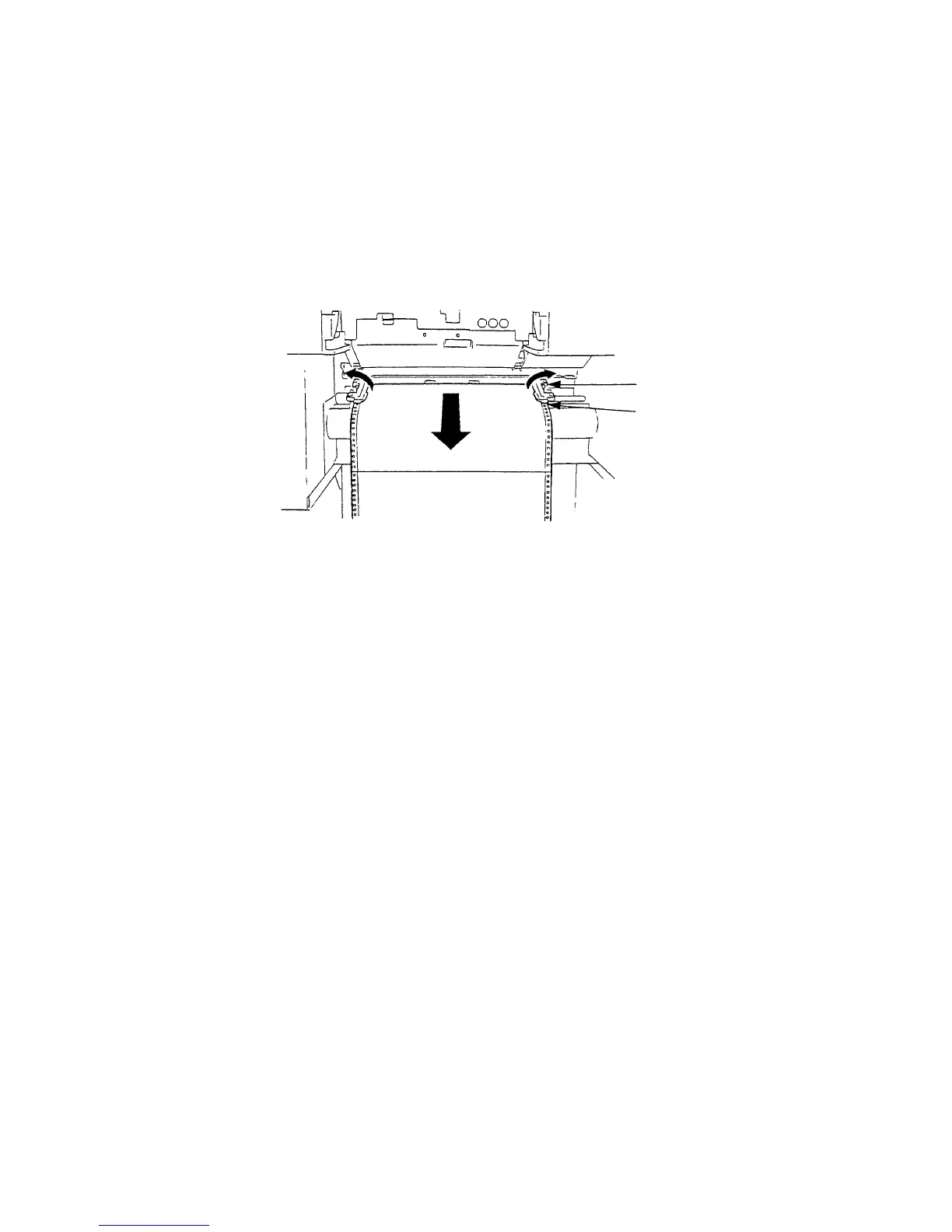
1. Open the paper retaining levers.
Retaining lever
Tractor
2. Remove the jammed paper. Detach the creased paper
at the perforation.
3. Pull the paper out of the device only in the transport
direction.
4. Insert the paper again (see section 3.1).
!
Please do not push the paper beyond the tractor into the device to
avoid reaching the Paper Jam Sensor.



 To Next Page