Troubleshooting 137
_______________________________________________________________________________________________
_______________________________________________________________________________________________
MICROPLEX Operator’s Manual SOLID F40 Edition 1.1
8. After having removed the jammed paper:
- Turn knob "B" 90° counterclockwise back to his
original position (Lock).
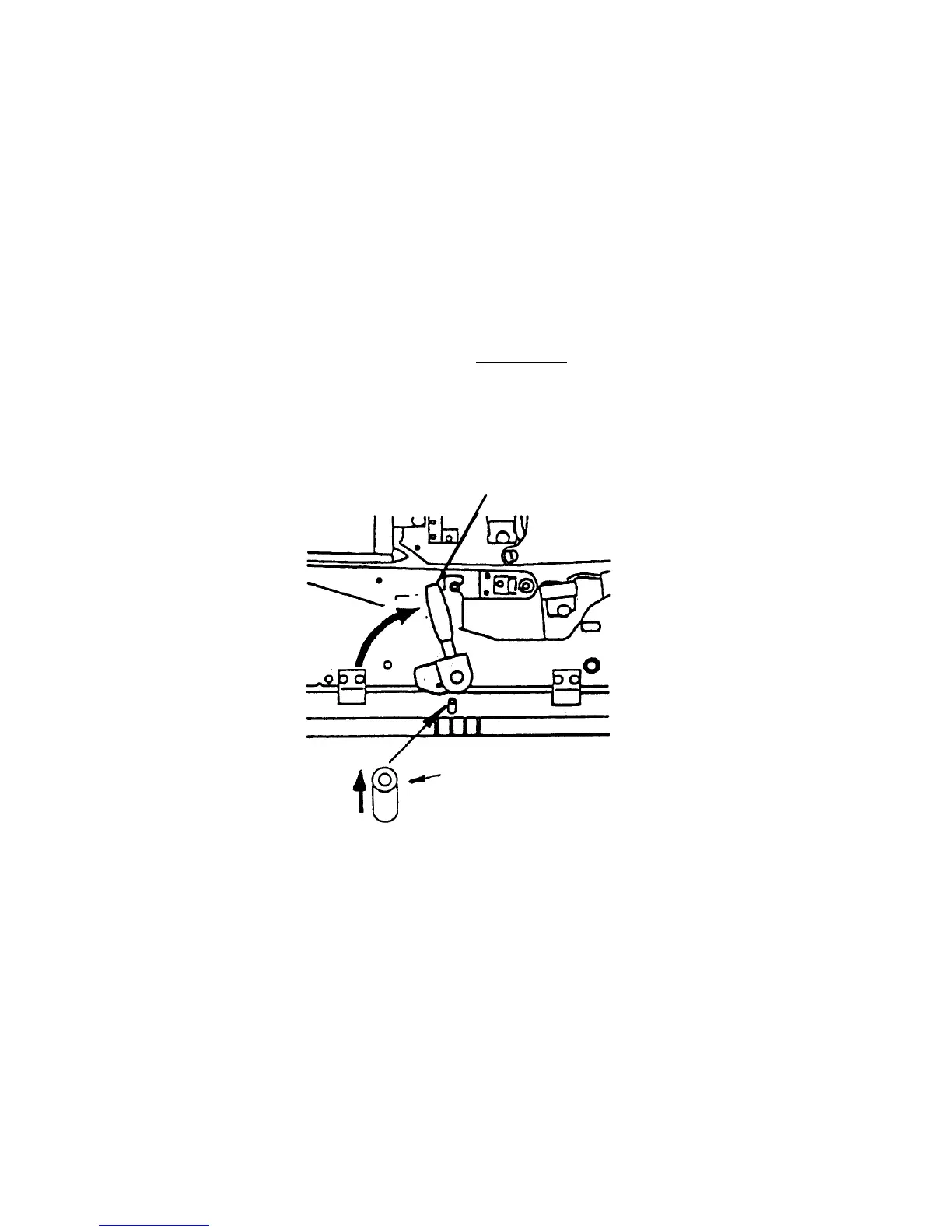
- Eventually the green lever has to be pressed down to
slide the transport unit into the printer until it stops
while pressing down the lever (resilience at the end).
- Tip up the green lever of the transport unit to its "up"
position.
Pay attention to the second bar
of the transport unit
located under the green lever - it also has to click
into place (second bar up).
Second bar up
Green lever



 To Next Page