14 Installation
_______________________________________________________________________________________________
_______________________________________________________________________________________________
MICROPLEX Operator’s Manual SOLID F40 Edition 1.1
2.2. Printer Installation
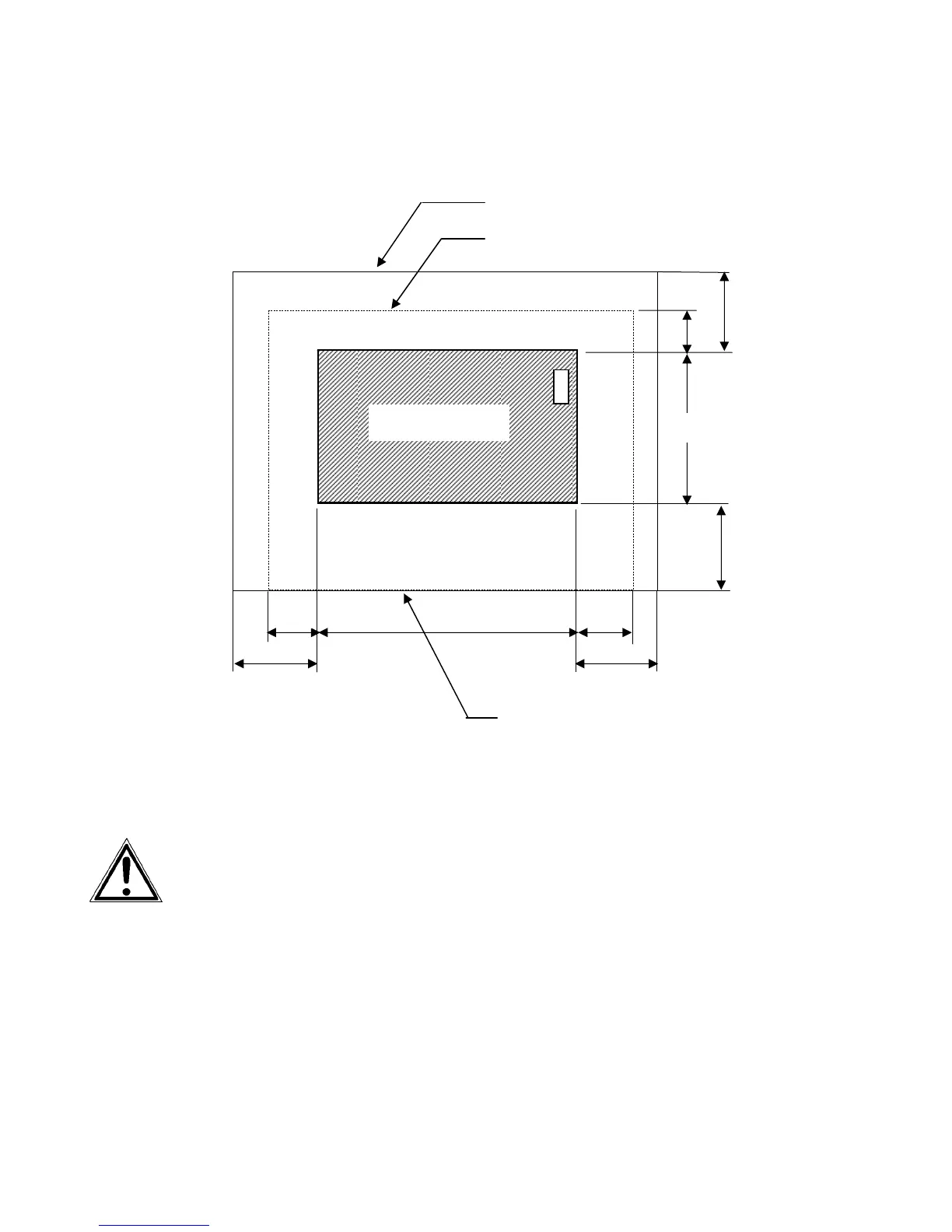
Required space (plan view):
- The chosen location should be well ventilated.
- Damaging environmental factors such as metal vapors, oil mist,
corroding lixivium or the like must not come in contact with the
printer.
- Position the printer on solid and level ground.
- Do not expose the printer to shocks or vibrations.
- The printer should not be located near volatile or combustible
materials (e.g. a curtain).
!
The printer’s first installation has to be done by a trained service
engineer.
1000
1000
800
800
1000
1000
500
780
Front cover
SOLID F40
850
Space required for maintenance service
Space required for usual printer operation
Space required when
front cover is open
( Unit: mm )



 To Next Page